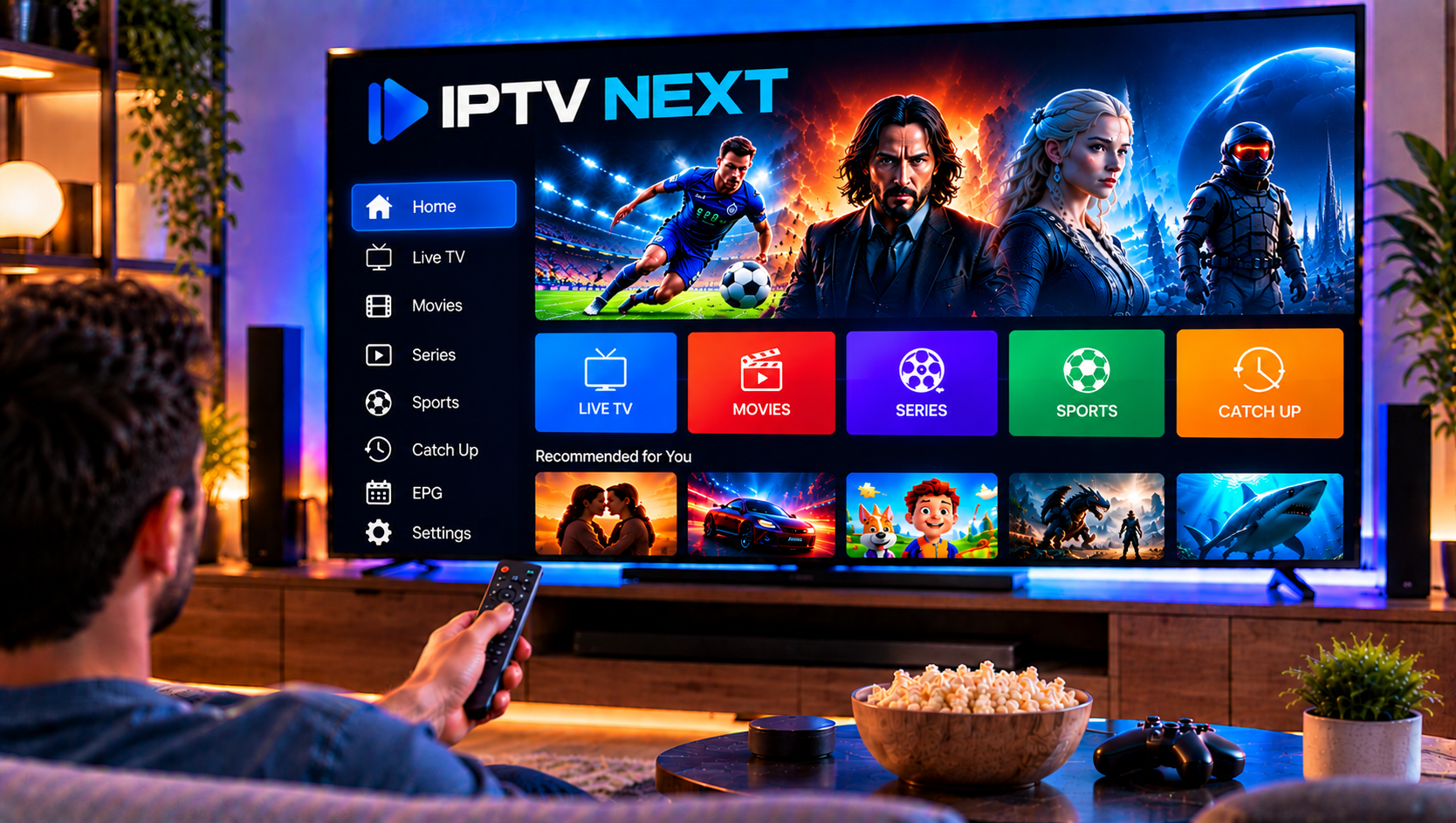
IPTV Next is a media player designed to help users organize and watch content from their own compatible IPTV source. Instead of including television channels or subscriptions, the app lets you connect an M3U playlist or Xtream-compatible account and then browse the live TV, movies, series, and guide information supplied through that source.
The basic setup is simple, but choosing the right login method matters. An M3U playlist normally arrives as one long URL, while an Xtream login separates the server address, username, and password into individual fields.
This guide explains both methods, EPG setup, playlist organization, offline viewing, and the most common problems users may encounter in 2026.
What Is IPTV Next?
IPTV Next is an IPTV player rather than an IPTV provider.
The Apple version supports M3U and Xtream playlist formats and includes tools for managing multiple playlists, searching content, filtering categories, creating favourites, viewing EPG information, and returning to recently watched content.
Supported media can also use different subtitle and audio tracks, while some content can be downloaded for offline viewing.
This makes the player useful for users who want more organization than a basic M3U player provides.
Important: IPTV Next and Next IPTV Are Not the Same App
One source of confusion is the existence of similarly named applications.
The Apple App Store lists IPTV Next by Geminus Porta. This is the player that supports user-supplied M3U and Xtream playlists.
The Google Play listing called Next IPTV, however, is produced by NextTechnology and is associated with the Next Fiber network. Its listing says it is intended for that operator’s customers and is not designed for Android TV boxes or Android Smart TVs.
For that reason, do not automatically assume an Android app called Next IPTV is the Android version of the Apple IPTV Next app.
Always check the developer before installing.
M3U vs Xtream Codes: What Is the Difference?
Both methods can connect compatible IPTV information to a media player, but the login structure is different.
| Login Method | Information Required | Best For |
|---|---|---|
| M3U | One complete playlist URL | Simple playlist importing |
| Xtream | Server URL, username and password | Organized live TV, movies and series |
| EPG | Usually provider/API data or XMLTV | Programme schedules |
M3U Playlist
An M3U playlist is usually provided as a long web address.
The URL can contain the server, username, password, playlist format, and output settings in a single link.
For example, a typical structure may look like:
http://server.example:8080/get.php?username=USER&password=PASS&type=m3u_plus
Treat this URL as private because account credentials may be included inside it.

Xtream Codes Login
An Xtream-style login separates the same basic account details into individual fields:
Server URL: http://server.example:8080
Username: Your account username
Password: Your account password
For many users, this format is easier to enter and troubleshoot because each part of the account is visible separately.
How to Set Up IPTV Next
The exact interface can change between app versions, but the basic process remains straightforward.
Step 1: Install the Correct App
Search for IPTV Next in the App Store and verify the developer before installation.
Avoid relying only on the app name because several unrelated IPTV applications use similar branding.
Step 2: Prepare Your Login Details
Before opening the setup screen, have your M3U URL or Xtream credentials ready.
Copy credentials directly from the original source instead of typing long URLs manually whenever possible.
Step 3: Add a Playlist
Open the app and choose the option to add a new playlist.
Select either M3U or Xtream according to the format you received.
Give the playlist a recognizable name if the application asks for one.
For more general device instructions, the IPTV installation guide explains the information commonly needed when connecting a compatible IPTV player.
How to Add an M3U Playlist
Choose the M3U playlist option and paste your complete URL into the required field.
Do not remove the username, password, port, or parameters from the end of the URL.
Save the playlist and allow the app time to process the information.
A compatible source may then display separate sections for live television, movies, series, or other categories.
Large playlists may take longer to load during the first import.
How to Set Up IPTV Next With Xtream Codes
Xtream login is often easier when you have separate server credentials.
Enter the Server Address
Use the complete server URL supplied for your account.
Pay attention to whether the address begins with http:// or https:// and whether it contains a port number such as :8080.
Enter Username and Password
Copy both values exactly.
Avoid spaces before or after either field because even one extra character can prevent authentication.
Save and Load the Playlist
Once the credentials are accepted, IPTV Next can retrieve the categories available through the source.
Depending on the account, these may include live channels, movies, series, and electronic programme information.
How EPG Works in IPTV Next
EPG stands for Electronic Programme Guide.
It allows the player to show what is currently airing and what is scheduled next on supported live channels.
IPTV Next supports EPG information when the connected service supplies compatible guide data.
If live channels work but programme names or schedules do not appear, the player itself may not be the problem. The EPG information may be missing, incorrectly matched, or unavailable from the source.
Refresh the playlist first before changing other settings.
How to Organize Large IPTV Playlists
A large IPTV library can quickly become difficult to browse.
IPTV Next includes several tools that can make navigation easier.
Use Favourites
Mark frequently watched channels, films, or programmes as favourites rather than searching the entire library every time.
Filter Groups
If your playlist includes many regional or language categories, hide or filter groups you do not normally use.
A shorter category list makes navigation faster.
Use Search
Search is particularly useful for large movie and series libraries where manually browsing categories may take too long.
Check Recently Watched
The recently watched section can help you return to content without searching for it again.
Resume support can also continue compatible media near the point where viewing stopped.
Offline Viewing and Downloads
The Apple listing for IPTV Next includes media downloading for offline use.
This can be useful when you want to prepare supported content before travelling or when your connection may be unreliable later.
Availability depends on the media and source. Live television obviously cannot normally be downloaded in the same way as supported on-demand content.
Also remember that downloaded video can consume substantial device storage.
IPTV Next Player vs IPTV Service
The media player and the IPTV service perform different jobs.
IPTV Next controls the interface, playlist organization, search, favourites, playback, and EPG presentation.
The connected service determines what authorized content and account access are available.
A service brand such as Nordic IPTV King is therefore different from IPTV Next itself. Changing the player may improve organization or device compatibility, but it cannot add content that is not included in the connected source.
Common IPTV Next Problems and Fixes
M3U Playlist Will Not Load
Check that you copied the complete URL.
A common mistake is losing part of the address when copying it from an email or message.
Also confirm that the account associated with the playlist is still active.
Xtream Login Is Rejected
Verify the server URL, username, and password separately.
Make sure the server address includes the correct protocol and port if one was supplied.
Do not automatically replace http with https, because they are not interchangeable unless the server supports both.
Channels Appear but Do Not Play
Test several channels.
If only one stream fails, the issue may be limited to that channel. If every stream fails, refresh the playlist and test the network connection.
EPG Is Missing
Reload the playlist and wait for guide information to update.
If channels work normally but all programme information is blank, confirm whether the connected source actually provides EPG data.
Subtitles Are Missing
Subtitle availability depends on the media source.
If several subtitle tracks are included, use the playback controls to select the appropriate language.
A player cannot create subtitles that were never supplied with the media.
Audio Is in the Wrong Language
Some channels and videos contain several audio tracks.
Open the playback controls and check whether another audio option is available.
App Feels Slow With a Large Playlist
Filter unnecessary groups and avoid loading multiple duplicate playlists.
Restarting the app can also help after importing a particularly large library.
M3U or Xtream: Which Is Better for IPTV Next?
Neither method is automatically better for every user.
Choose M3U when you have a complete playlist URL and want the simplest possible import.
Choose Xtream when separate server credentials are available and you prefer structured account fields.
Xtream can also make troubleshooting easier because the server address, username, and password can be checked individually.
The best choice is usually the format officially supplied with your account.
Is IPTV Next Worth Using in 2026?
IPTV Next offers a useful combination of playlist support and everyday media-management features.
Multiple playlists, M3U and Xtream compatibility, EPG, favourites, search, content filters, subtitles, audio-track selection, offline downloads, and recently watched tools cover most of the functions expected from a modern mobile IPTV player.
The main point to remember is the app-name confusion. The Apple IPTV Next application should not be confused with the unrelated Next IPTV application listed on Google Play for Next Fiber customers.
Checking the developer first prevents users from following the wrong setup instructions.
FAQ
Does IPTV Next Include IPTV Channels?
No. IPTV Next is a media player. You must supply your own compatible and authorized IPTV source.
Does IPTV Next Support M3U?
Yes. The Apple app supports M3U playlists supplied by the user.
Does IPTV Next Support Xtream Codes?
Yes. Compatible Xtream credentials can be used instead of an M3U playlist.
What Information Do I Need for Xtream Login?
You generally need the server URL, username, and password supplied for your account.
Does IPTV Next Support EPG?
Yes, when compatible EPG information is available through the connected source.
Is Next IPTV on Android the Same App?
Not according to the supplied store listings. The Google Play application is a different product associated with Next Fiber, while the Apple IPTV Next application is published by Geminus Porta.
IPTV Next is a practical option when you want M3U and Xtream support combined with search, EPG, favourites, downloads, and playlist organization. If you are preparing a Swedish IPTV setup and want flexible packages with guidance for compatible devices, visit Sverige IPTV to choose an option that suits your viewing needs.