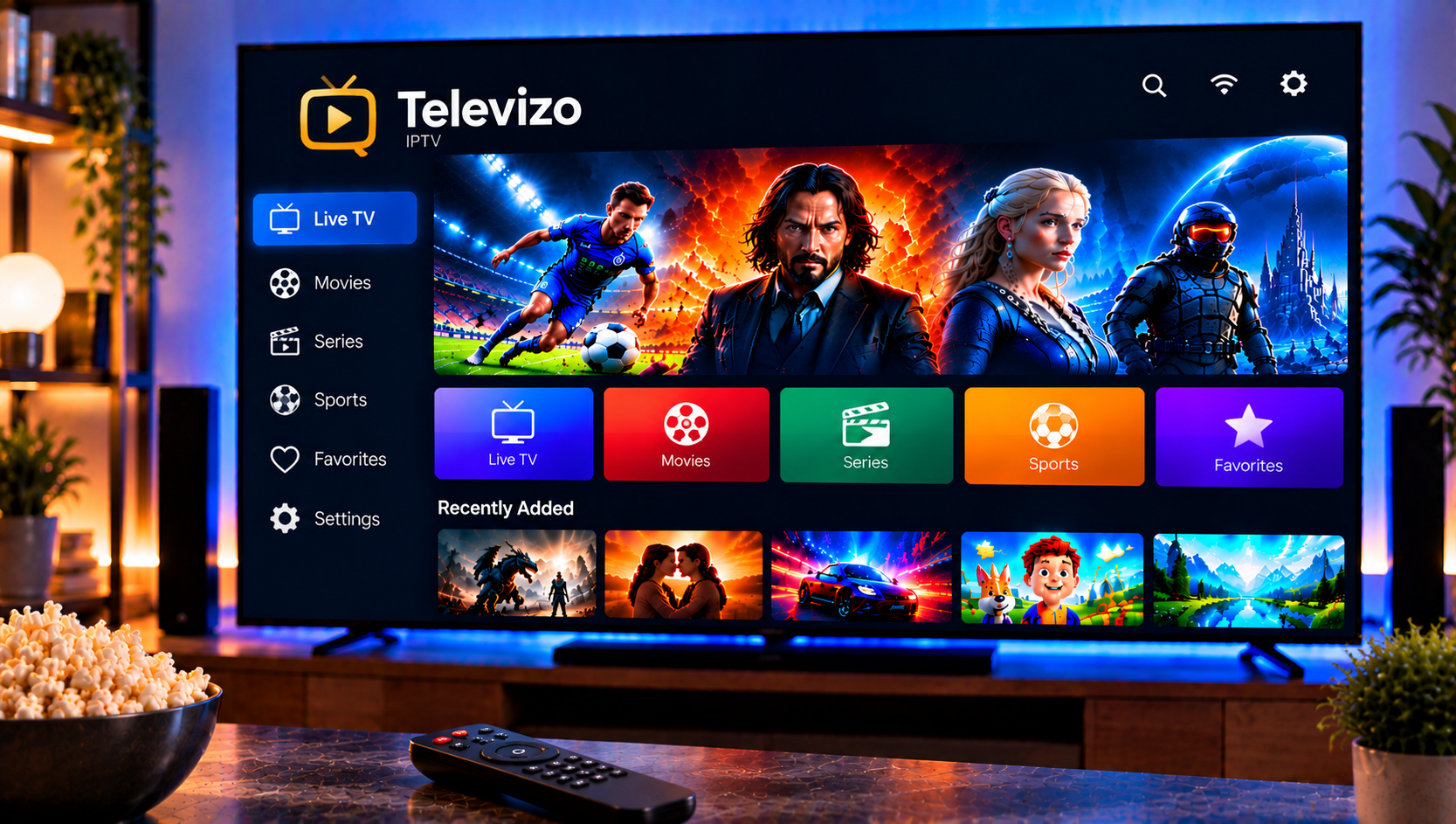
Televizo is one of the most downloaded IPTV players on Android, with more than five million installs on Google Play. People like it for a clean layout and flexible playlist handling. They also run into the same questions: how do I add a playlist, why is my TV guide empty, and is the premium upgrade worth it?
This guide covers installation, playlist and EPG setup, the premium features, common problems and what to look for in a provider.
What Is Televizo IPTV?
Televizo is a player app, not an IPTV service. The developer says plainly that it provides no content and is not tied to any content provider. You add your own playlist and, if you like, a TV guide, and the app turns them into a browsable channel list.
It runs on Android phones, tablets, Android TV and TV boxes. It is Android-only, so there is no official version for iPhone or Smart TVs that run other systems.
Key Features at a Glance
According to its store listing and independent reviews, Televizo offers:
- Multiple playlists, with M3U and Xtream Codes support
- EPG support, including separate guides for each playlist
- Catch-up TV, where your provider supports it
- Chromecast support for sending video to a TV
- Sorting, search and favorites for large channel lists
- Parental controls through the playlist editor
- Audio, video and subtitle track selection
- Support for several stream types, such as HLS, UDP and RTMP
Recent updates added improved search and a software-only mode for audio and video processing, which can help on devices that struggle with hardware decoding.
How to Install Televizo
- Open Google Play on your Android device or Android TV.
- Search for “Televizo – IPTV player”.
- Check that the developer is listed as Andrey Menscikov, then tap Install.
- Open the app and tap Create playlist.
Stay with the official store when you can. Third-party APK sites sometimes host outdated or modified files, and you cannot always tell the difference.
How to Add a Playlist to Televizo
You have two main options, depending on what your provider gave you.
Option 1: M3U Playlist
- Choose M3U playlist when creating a new playlist.
- Give it a name you will recognize.
- Paste the playlist URL, or load a file from your device.
- Save and wait for the channels to load.
Option 2: Xtream Codes Login
- Choose Xtream Codes instead.
- Enter the server address, username and password exactly as your provider supplied them.
- Save and let the app sync live TV, movies and series.
Copy and paste whenever possible. A single wrong character or trailing space is the most common reason a playlist fails to load. Because the app supports multiple playlists, you can keep different providers or lists side by side and switch between them.
How to Set Up the EPG
The TV guide shows what is on now and next. Televizo lets you attach an XML EPG source and, in recent versions, assign a separate guide to each playlist.
To get a working guide:
- Ask your provider for the EPG URL if it is not included in your playlist.
- Add it in the playlist settings and update the playlist.
- Check the device’s time zone, since a wrong setting is the top reason programs appear at the wrong time.
- Give the guide a few minutes to download the first time.
One reviewer reported that the catch-up (archive) tab showed incorrect times even though the same playlist worked in another app. If you see something similar, test the playlist elsewhere and contact the app’s support with details.
What Does Televizo Premium Add?
Televizo is free to use with ads, and there is an optional premium upgrade. I have left out price figures because they change, so check the in-app offer for current terms.
Premium is reported to include:
- Ad removal
- List or grid views for channels
- Manual channel sorting, including within favorites
- A sleep timer
- Extra player options, such as hardware acceleration and external player support
You can try premium for a short period inside the app before you decide. Premium can also be activated across several Android devices through an account, which helps if you watch on a phone and a TV box.
Is Premium Worth It?
If ads bother you, or you manage long channel lists and want manual sorting, it is a sensible upgrade. If you only watch occasionally, the free version may be enough. Test the free trial before paying.
Limits to Know About
Reviews on Google Play and download sites point to a few weak spots:
- No quick skip or rewind buttons when using a mouse on a TV box
- Automatic play of the next episode that cannot be switched off, according to one reviewer
- No scheduled daily playlist updates
- Channel blocking in parental controls is done one channel at a time
- Occasional buffering, which may come from the provider or the network
The Play Store listing also notes the app may collect and share some data types, so read the privacy details before you install.
Common Televizo Problems and Fixes
The Playlist Will Not Load
Re-check the URL or login details and confirm that your subscription is active. Try updating the playlist manually from the app’s settings.
Text Is Cut Off on a TV Box
This is usually a screen scaling issue. Adjust the display scale in your TV box’s settings.
The EPG Is Empty or Wrong
Confirm that your provider supplies EPG data, check the time zone and refresh the playlist.
Buffering or Freezing
Test your connection first. A stable 15 to 25 Mbps per stream is a sensible target for HD, and 4K needs more. Use Ethernet where possible. If only some channels freeze, the problem is likely on the provider’s side.
Premium Not Showing on Another Device
Sign in with the same account you used to activate it, and check how many devices you have already linked.
Using Televizo on TVs and Boxes
Because Televizo is Android-only, it works best on Android TV and Android-based boxes. If your TV runs a different system, check whether it supports an Android app. Our guide to IPTV on Smart TV explains which TV platforms handle IPTV players and what to try if your TV is not Android-based.
Choosing a Provider for Televizo
A strong player cannot make up for a weak service. Look for stable streams at busy times, a playlist and EPG that work reliably, clear setup help and a channel line-up that fits your home. Some viewers compare services such as Monster IPTV before they decide, and that is a good habit, provided you test any service on a short plan first and check that it offers properly licensed content.
If you want to see how a supported setup works from start to finish, our IPTV installation guide covers the steps for different devices and apps.
Frequently Asked Questions
Is Televizo IPTV free?
The app is free with ads. A premium upgrade removes ads and adds extra features.
Does Televizo include channels?
No. You must add your own M3U or Xtream Codes playlist from an IPTV provider.
Is there a Televizo app for iPhone?
No. It is supported only on Android devices.
Can I add more than one playlist?
Yes. The app supports multiple playlists and lets you assign a guide to each one.
Why is my Televizo EPG wrong?
The usual causes are a wrong time zone, missing guide data from your provider or a playlist that needs refreshing.
Final Thoughts
Televizo is a capable Android player that rewards a careful setup: a clean playlist, a correct EPG and a stable connection. The premium upgrade is optional, so try it before paying. If you want a Swedish IPTV service to pair with your player, with easy installation help, a broad channel selection and flexible plans, visit Sverige IPTV and choose the subscription that suits your home.