Quick answer: Duplex Play is a media player app for IPTV playlists. It does not include channels or subscriptions. It offers a 7-day trial, then needs a paid activation. In 2026, its availability is patchy, especially on Samsung TVs, so many users are looking at alternatives.
If you landed here because the app vanished from your TV, a trial ran out or you are not sure which website to trust, you are in the right place. Duplex Play has a loyal following, but its history is messy, and a lot of misleading pages have grown up around it. This guide separates fact from noise and shows you what to do next.
What Duplex Play Actually Is
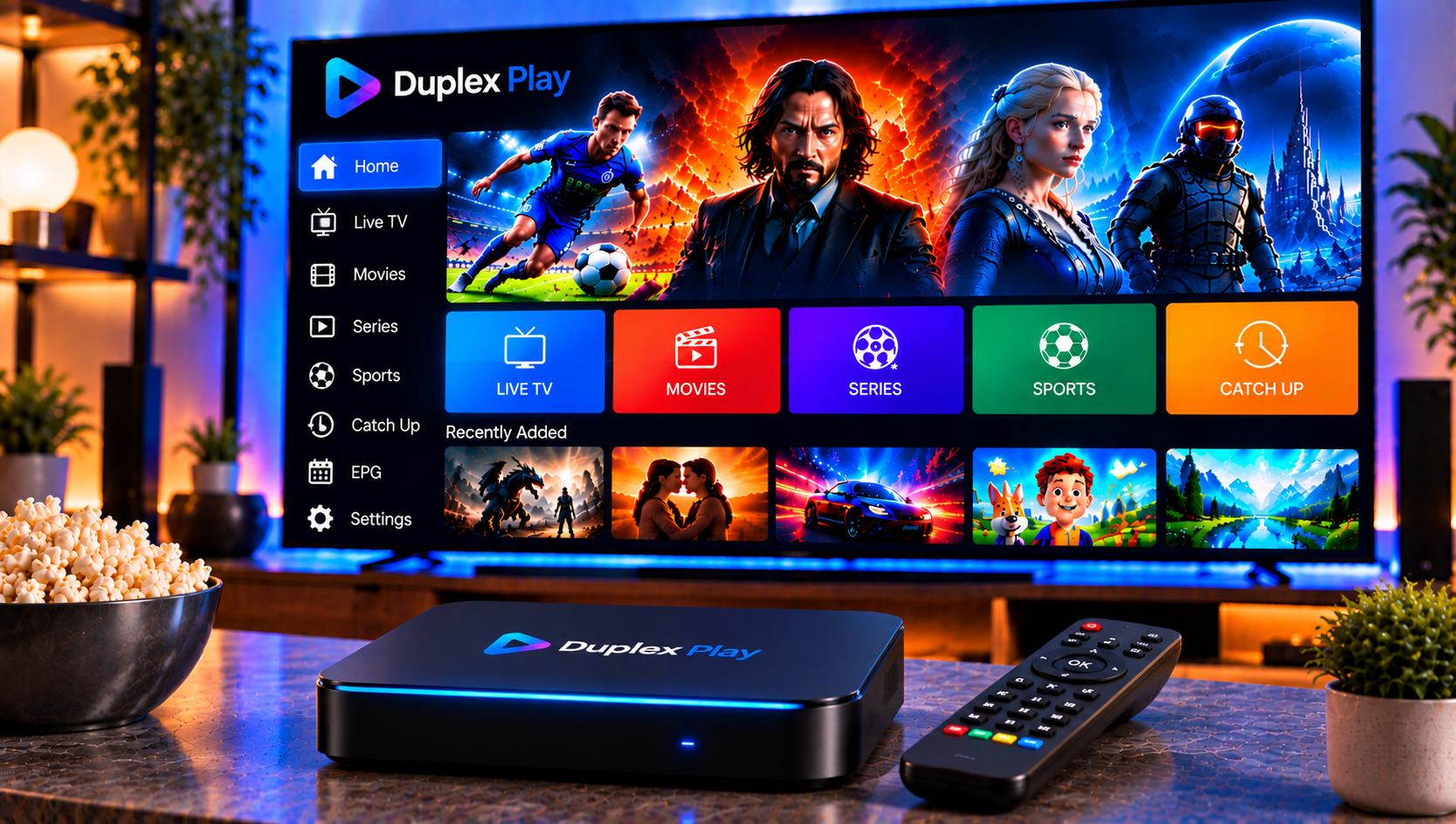
Duplex Play is a player, not a provider. Think of it as a container: you add your own playlist, usually an M3U link from an IPTV provider, and the app organizes it into something you can browse and watch.
The official site is blunt about this. It says the app includes no content, sells no playlists and takes no responsibility for what you upload. You may also see it called Duplex IPTV or DUPLEX TV, and those names often refer to the same family of apps.
What the App Can Do
From the public listings, the main features are:
- Resume playback from where you left off
- A time slider for jumping to an exact point
- Audio track selection when the media includes one
- Custom favorite groups
- Support for groups embedded in playlists
- Search across large playlists
- A recently played list
It is a utility app. If you want a polished, guide-heavy experience with every extra, you may find other players more feature-rich. If you want something simple that handles a playlist cleanly, it does the job.
Is Duplex Play Still Available in 2026?
The honest answer is “it depends on your device.”
Samsung Smart TVs
The official site shows a notice saying the Samsung app was suspended. It adds that existing Samsung users had their licenses moved to another app, DUPLEX TV, which should appear in the Samsung store. Samsung community threads show owners of newer models failing to find the app, while owners of older sets still see it. That pattern fits a platform-level change rather than a fault on your TV.
If this sounds like your situation, our guide to IPTV on Smart TV explains what to check on different TV brands and how to pick a player that your store still supports.
Windows and Xbox
The Microsoft Store listing describes the app as a player for playlists on Windows PCs and Xbox, and it mentions the 7-day free trial. If you watch on a computer, the Windows route is usually the most predictable.
Android
Android builds appear on third-party download sites. Treat these with caution and prefer an official store listing whenever one exists.
How Activation Works
The trial lasts seven days. After that, you must activate the device by paying a small fee, according to the official site. I have left out specific amounts because they can change, so check the activation page for the current terms.
The general flow:
- Install the app and open it.
- Copy the device ID or MAC address from the screen.
- Open the official activation page and enter those details.
- Complete the process, then restart the app.
Activation is tied to your device, so take care when you copy the ID. One wrong character and the license will not match.
How to Add Your Playlist
Once the app is activated, give it something to play.
- Go to the playlist or “My List” page on the official site.
- Enter your device details.
- Paste your provider’s M3U link or upload the playlist file.
- Save, restart the app and wait for the list to load.
If you use a computer, our Windows and Mac setup guide walks through installing and configuring IPTV players on desktop systems, which is handy if you want to test a playlist away from your TV first.
How to Avoid Fake Duplex Play Websites
Because the app has no content of its own, scammers love using its name. The official site warns that copycat websites and social pages sell “channels” or “activations” under its brand, and it names several of them.
A few safeguards:
- Start from the link inside the app where you can.
- Never pay anyone who says they sell Duplex Play channels. The app does not provide them.
- Avoid APK files from unknown websites.
- Pay with a method that offers buyer protection, and keep your receipt.
One detail is worth knowing: the site’s warning text names a different domain as the only official site, so even the official messaging is slightly inconsistent. That is another reason to verify links inside the app instead of trusting search results.
Troubleshooting Common Problems
The Playlist Will Not Load
Check the link for typos and trailing spaces. Confirm that your provider’s subscription is still active.
The App Disappeared From Your TV
Search the store for related names, update your TV’s software and check whether your model is still supported. If it is not, move to an alternative player.
The Trial Ended
That is expected after seven days. Activation is required to keep using the app.
Buffering or Freezing
Test your internet speed first. For HD, a stable 15 to 25 Mbps per stream is a reasonable target, and 4K needs more. A wired connection beats Wi-Fi for stability.
Missing Channels
The player only shows what the playlist contains, so ask your provider whether the list is complete.
How to Choose a Duplex Play Alternative
When an app is unavailable or unreliable, the right alternative depends on how you watch.
- On a Smart TV: pick a player that is actively supported in your TV’s official store.
- On a phone or tablet: choose a well-reviewed app from the Apple or Google store with regular updates.
- On a computer: use a desktop player that handles M3U playlists and EPG well.
- For simplicity: consider a service that supplies clear setup instructions for several apps.
Also look at how the app handles the TV guide, favorites, parental controls and long playlists, since these are the features you will use every day.
The service behind the player matters just as much. Some viewers compare providers such as Nordic IPTV King before they decide, and that is sensible, as long as you test any service on a short plan first and make sure it uses properly licensed content.
Frequently Asked Questions
What is Duplex Play?
It is a media player app for IPTV playlists. It does not include channels or subscriptions.
Is Duplex Play free?
It has a seven-day free trial. After that, a paid activation is needed.
Why is Duplex Play missing on my Samsung TV?
The official site says the Samsung app was suspended and licenses were moved to a similar app. Community posts also report it missing on some models.
Does Duplex Play give me channels?
No. You must bring your own playlist from an IPTV provider.
What should I do if the app stops working?
Check your playlist link, test your connection and confirm that your device is still supported. If it is not, switch to a supported alternative.
Final Thoughts
Duplex Play is a decent, simple player, but its Samsung situation and the number of fake sites around it mean you should approach it carefully. Use official links, keep a backup player in mind and remember that a good app is only half of the equation. If you want a Swedish IPTV service with easy installation help, a broad channel selection and flexible plans to pair with your favorite player, visit Sverige IPTV and choose the subscription that suits your home.