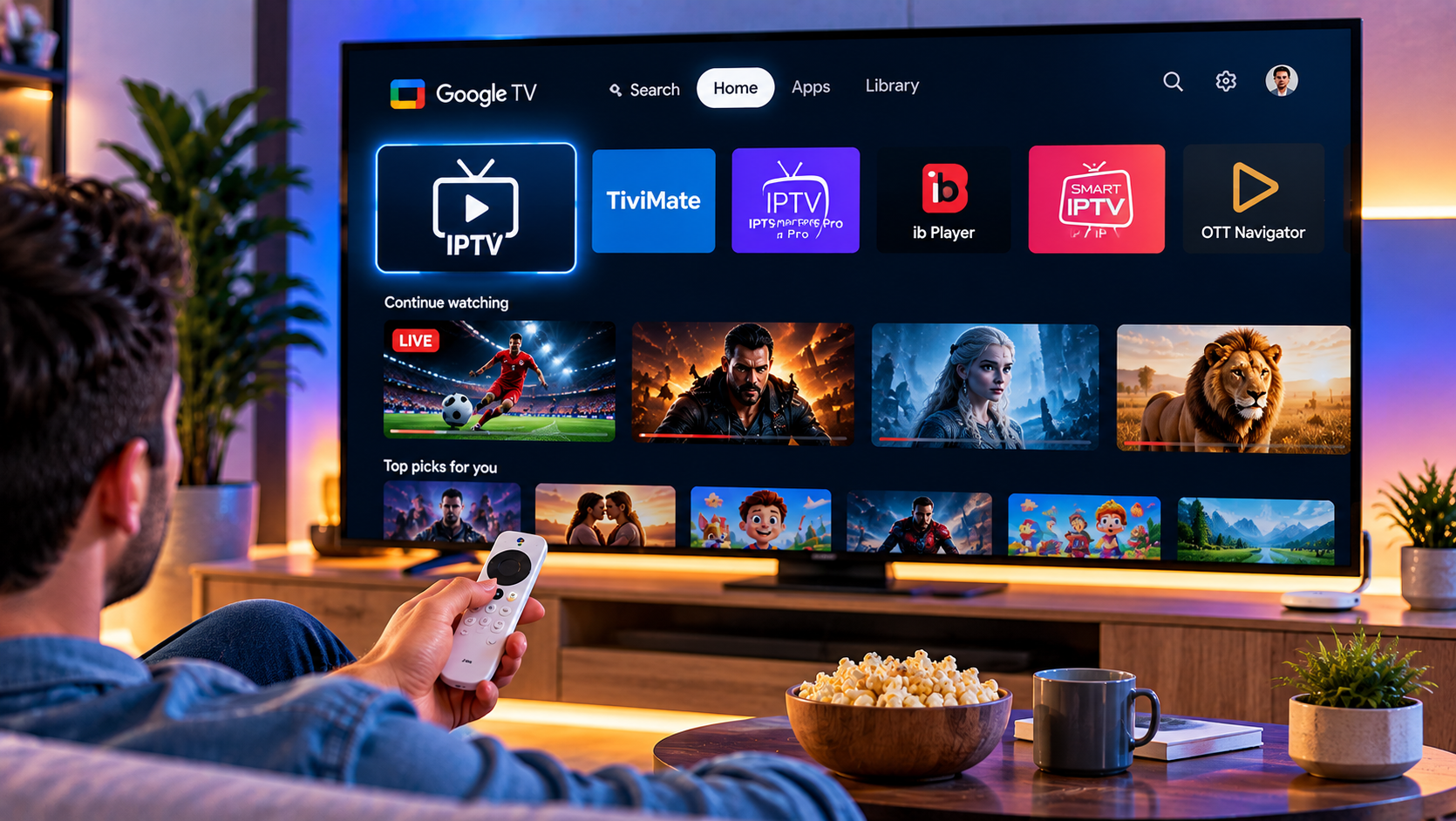
Google TV is one of the easiest platforms for IPTV because it supports Android-based apps, remote-friendly interfaces, EPG guides, playlist management, and high-resolution playback. The harder part is choosing the right player.
For most viewers in 2026, TiviMate is the best overall option because it is designed for large screens and smooth remote navigation. Sparkle TV is a strong alternative for users who want more TV-focused playback controls. Televizo is ideal for simple playlist management, while Smarters Pro suits people who prefer a familiar interface across several devices.
Remember that these apps are players, not content providers. They organize and play channels, films, or series supplied through your own authorized subscription or playlist.
Quick Comparison of the Best IPTV Apps for Google TV
| App | Best For | Main Strength | Main Limitation |
|---|---|---|---|
| TiviMate | Best overall | Excellent EPG and TV interface | Some advanced features are premium |
| Sparkle TV | TV-first playback | Google TV focus and PVR features | Some features require Plus |
| Televizo | Simple setup | Easy playlists, EPG, favorites, subtitles | Free version has limitations |
| Smarters Pro | Multi-device users | Familiar layout and broad device support | Availability may vary by device or region |
1. TiviMate: Best Overall IPTV App for Google TV
TiviMate is the strongest choice for users who mainly watch on a television. Its interface is built for large screens, so channel browsing feels natural with a Google TV remote.
It supports common playlist formats such as M3U and Xtream Codes, offers a full electronic programme guide, and allows users to organize favorites and channel groups. Multiple playlists and deeper interface customization are also available.
Why TiviMate Stands Out
The main advantage is navigation. Large channel libraries can feel messy in apps with weak menus, but TiviMate presents content in a clean TV-guide style.
Advanced tools can include recording, catch-up, multiview, and more flexible playlist management, making TiviMate especially useful for regular viewers.
2. Sparkle TV: Best Google TV Alternative
Sparkle TV is designed specifically for Android TV and Google TV environments. It supports sources such as M3U, Xtream Codes, and XMLTV, while also offering TV-focused features including programme guides and DVR/PVR functions.
The interface is remote-friendly and gives users useful control over playback behavior.
Sparkle TV is therefore a smart alternative when TiviMate does not perform as expected on a particular Google TV device or when you prefer a simpler television-first layout.
3. Televizo: Best for Simplicity
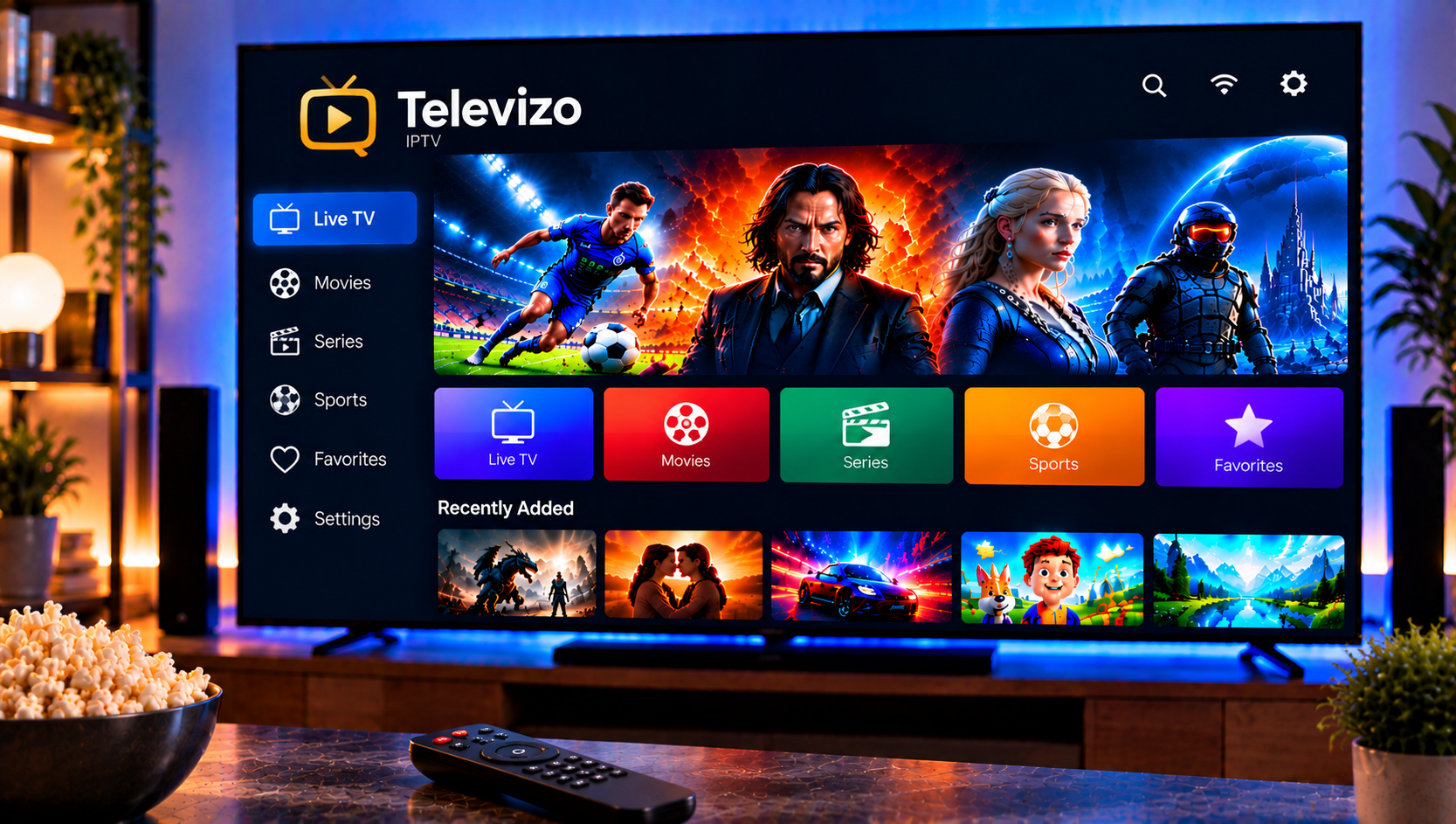
Televizo combines an uncomplicated interface with useful controls. It supports multiple playlists, EPG data, catch-up where the source supports it, favorites, sorting, subtitles, and different audio or video tracks.
It is a good fit for users who want practical features without spending much time customizing the whole interface. It also works across Android phones, tablets, and TVs.
The free version gives users a way to evaluate the app, while premium access removes restrictions and unlocks additional functions.
4. Smarters Pro: Best for Familiar Multi-Device Use
Smarters Pro is popular because many users already recognize its layout. It works across several device categories and supports common playlist or account-based login methods.
Its biggest strength is familiarity across several platforms.
On Google TV, store availability can differ by region and device. If an official version does not appear in the app store, avoid random APK downloads. Always verify the developer and download source before installing software outside Google Play.
Which IPTV App Should You Choose?
Choose TiviMate if Google TV is your main device and you want the strongest EPG and remote experience.
Choose Sparkle TV if you want a TV-first player with flexible playback controls and PVR-style features.
Choose Televizo if you want easy playlist management with useful EPG, subtitle, and favorite options.
Choose Smarters Pro if you value a familiar interface across multiple device types.
If one app struggles while another works with the same source, the problem may involve player settings or device compatibility.
How to Set Up an IPTV App on Google TV
The basic setup is similar for most players:
- Open Google Play on your Google TV.
- Search for the official version of the player.
- Verify the developer before installing.
- Open the app and select the supported login method.
- Enter your M3U URL or Xtream Codes details.
- Let the player load channels, categories, and EPG data.
- Add favorites and adjust playback settings if necessary.
For a broader walkthrough, the IPTV installation guide explains the information normally required to connect a compatible player and get started.
IPTV Player vs IPTV Service
An IPTV player controls navigation, EPG, favorites, recording, and playback settings. The service or playlist determines which authorized streams are available.
That difference matters when troubleshooting. Changing the app cannot fix a stream that is unavailable at the source, while changing the service may not solve a player setting that only causes problems on one device.
The same distinction applies when comparing another Nordic brand such as Viking IPTV: the service and the player perform different jobs, so they should be evaluated separately.
How to Reduce Buffering on Google TV
Buffering can come from connection quality, device resources, stream format, or playback settings.
Check Your Connection
Use stable Wi-Fi or Ethernet through a compatible adapter.
Restart and Update
Restart the app and device, then check for player and system updates.
Test Another Player
Try the same playlist in another player. If only one app struggles, the issue is likely app-specific.
Change One Playback Setting at a Time
Change one setting at a time, such as decoding, audio passthrough, frame-rate matching, or buffering, and keep only changes that improve playback.
Features That Matter Most in 2026
A good Google TV IPTV player should offer remote-friendly navigation, a readable EPG, favorites, search, multiple stream formats, subtitles, audio-track selection, and reliable playlist refreshes.
Power users may also want recording, multiview, catch-up, parental controls, and backups.
A fast, clear player that works reliably on your Google TV matters more than a long feature list.
FAQ
What is the best IPTV app for Google TV in 2026?
TiviMate is the best overall choice for most Google TV users because of its large-screen interface, EPG, playlist management, and customization. Sparkle TV is a strong alternative for TV-focused playback control.
Is there a free IPTV app for Google TV?
Yes. Several apps offer free access or a basic free version. However, recording, multiple playlists, advanced EPG tools, or other premium features may require payment.
Do IPTV player apps include channels?
Normally, no. A player loads content from a playlist or service supplied by the user. The app itself should not be confused with an IPTV subscription.
Can I use the same subscription in different players?
Often yes, if the service uses a standard format such as M3U or Xtream Codes and its account rules allow the intended device usage.
The best IPTV app for Google TV depends on your viewing habits, but TiviMate, Sparkle TV, Televizo, and Smarters Pro cover most needs from simple playback to advanced guide control. For a Swedish-focused IPTV service with device setup support, explore Sverige IPTV and choose the player that fits your Google TV setup.