If you have searched for Odin IPTV, you have probably noticed that the results do not all point to the same thing. Some pages talk about an IPTV player for Android TV. Others discuss IPTV on a handheld gaming device. For anyone in Sweden, it also raises a bigger question: will it work with the channels, devices and viewing habits you actually have?
This review explains what Odin IPTV refers to, what the app does, which devices it supports, and what to check before you rely on it.
What Does “Odin IPTV” Actually Mean?
The term is used in two different ways.
OdinPlayer: The IPTV App
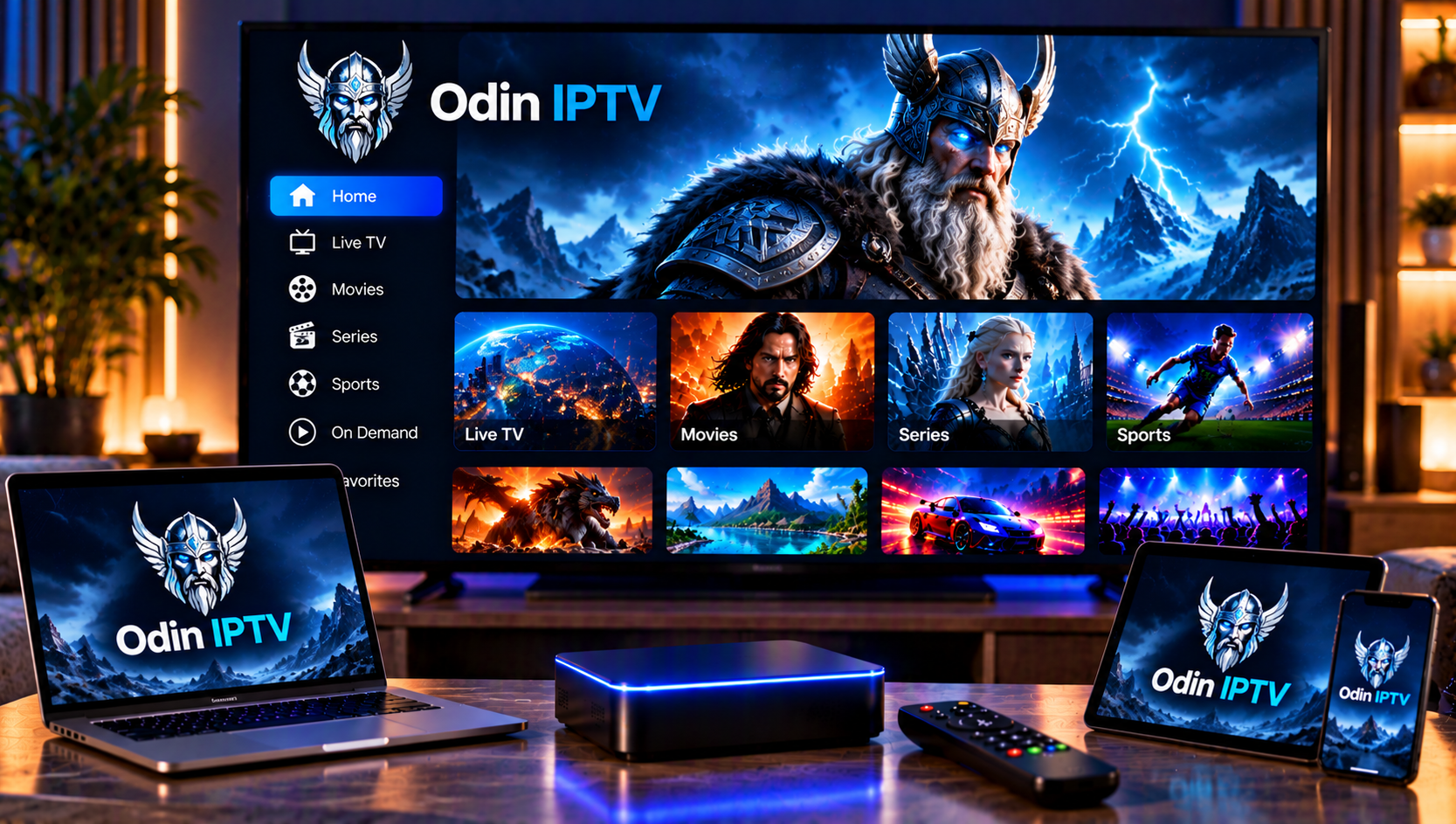
OdinPlayer is an IPTV player published by OdinLabs Group on Google Play. It is built for Android TV, Google TV and Amazon Fire TV. It plays playlists you provide yourself, either as an M3U link or through Xtream Codes, and presents them as live TV, movies and series.
AYN Odin: The Handheld Console
Older forum discussions often mention the AYN Odin, an Android-based handheld gaming device. People there ask which IPTV apps run on it. That is a different topic, because the handheld is hardware, not an IPTV service or player.
For most people in Sweden, OdinPlayer is the one worth evaluating, so that is the focus here.
Key Features of OdinPlayer
Based on the developer’s Google Play description, the app offers:
- Live TV channels, VOD movies and series from your own M3U playlist
- Xtream Codes API support
- Channel categories and search
- Favourites and resume playback
- Full D-pad navigation designed for TV remotes
- Compatibility with Android TV 5.0 and newer, Google TV and Fire TV
The most important point is that the app does not include content. OdinPlayer does not provide channels, films or sports. You bring a playlist from your own provider, and the app displays and plays it.
How Pairing Works
Typing a long playlist address with a TV remote is slow and error-prone, so OdinPlayer avoids it. The setup works like this:
- Create a free account on the OdinPlayer website.
- Add your playlist URL in the web dashboard.
- Open the app on your TV, which shows a 6-digit code.
- Enter the code in the dashboard to link the TV to your account.
- Browse and play your channels with your remote.
This is a genuine convenience. You do all the typing on a phone or computer, then pair once. If the code fails, check that you entered it before it expired, that your TV has internet access, and that your playlist URL has no extra spaces.
Which Devices Work, and Which Do Not?
Compatibility is where many people get caught out. Odin IPTV is a TV-focused app with a narrow device list.
| Device | Supported by OdinPlayer? |
|---|---|
| Android TV (5.0+) | Yes |
| Google TV | Yes |
| Amazon Fire TV | Yes |
| Apple TV | Not listed |
| Samsung (Tizen) smart TVs | Not listed |
| LG (webOS) smart TVs | Not listed |
| Windows or Mac | Not listed |
Many Swedish households use Samsung or LG smart TVs, and those are not on the supported list. If that is your setup, you will need a different player or an external device such as a Fire TV Stick. Our smart TV setup guide explains which options suit each TV platform.
Is OdinPlayer Proven?
This is the part most competing pages gloss over. At the time of writing, the Google Play listing shows a small download count (100+) and no visible rating summary, and it was updated in September 2026. That does not mean the app is bad. It does mean it is young, with limited public feedback.
Practical advice:
- Use the free trial before paying for anything.
- Test it with your own playlist on your own TV, not just the demo screenshots.
- Do not assume it will match established players for features such as advanced EPG tools, catch-up or multi-screen viewing, since those are not listed.
- Expect updates. The latest notes mention performance and stability fixes, which is normal for a newer app.
What Does It Cost?
The developer says a free trial is available and that subscriptions are managed on its website, not through in-app purchases on TV. The listing does not state a price, so check the website before signing up.
Remember that this cost, if any, is for the player only. It is separate from whatever you pay for channels.
What to Check Before Using Odin IPTV in Sweden
A player is only as good as the playlist behind it. For Swedish viewers, these checks matter most.
Swedish Channels and Programme Guide
Check that your source includes the Swedish channels you want, such as national news, sport and entertainment, and that they are grouped clearly. Then see whether the guide data matches Swedish time. Mismatched EPG time zones are a common reason for programmes appearing an hour off. Before you commit, compare what a provider offers with a clear channel list like ours on the Swedish channels page.
Playlist Format
OdinPlayer works with M3U and Xtream Codes. If your provider only offers an app of its own or a different login method, the player may not be usable at all.
Stream Stability
Buffering is rarely the player’s fault alone. Test on both Wi-Fi and Ethernet, at different times of day, and with live sport if that is what you watch. A reliable source matters more than a long channel list. When comparing options, it can help to look at how other services, such as JA IPTV, describe their formats and device support, so you know what a clear, complete listing looks like.
Legality and Rights
OdinPlayer says it does not supply content, and that places the responsibility on your source. Make sure your provider is transparent about who they are, what their terms say, and how they handle rights for sport, films and series. If something looks vague, treat that as a warning sign.
Privacy and Account Security
The app’s data safety section says no data is shared with third parties, that device IDs may be collected, and that data is encrypted in transit. This is the developer’s own declaration. Because setup uses an online account, use a unique password you do not reuse elsewhere.
Troubleshooting Common Problems
The pairing code does not work. Generate a new code, check your TV’s internet connection and re-enter it carefully.
Channels load but some will not play. Test the same channel in a different player. If it fails there too, the source is the issue.
The guide is wrong or empty. Confirm that your provider supplies EPG data and check the time zone.
Everything buffers. Restart your router and TV box, switch to a cable connection if possible, and check that no other device is saturating your bandwidth.
App not available on your TV. Check your platform against the table above. Unsupported TVs need a different app or a streaming stick.
FAQ
Is Odin IPTV a service or an app?
OdinPlayer is an app. It plays playlists you supply and does not include channels.
Does OdinPlayer work on Samsung or LG TVs?
It is not listed for those platforms, so check before installing or use a compatible device.
Is Odin IPTV free?
A free trial is mentioned, and subscriptions are handled on the developer’s website. Check the current price there.
Is the AYN Odin the same thing?
No. That is a handheld Android console, not the IPTV app.
Final Verdict
OdinPlayer is a sensible, TV-friendly option for Android TV, Google TV and Fire TV users who want easy pairing and a clean way to browse their own playlist. It is still new, and its value depends heavily on your source, your TV platform and your network. If you want a Swedish IPTV subscription that is simple to set up across multiple devices, with live channels, sports, movies and series in HD, FHD and 4K, take a look at Sverige IPTV and see how easy installation support can make the whole experience.