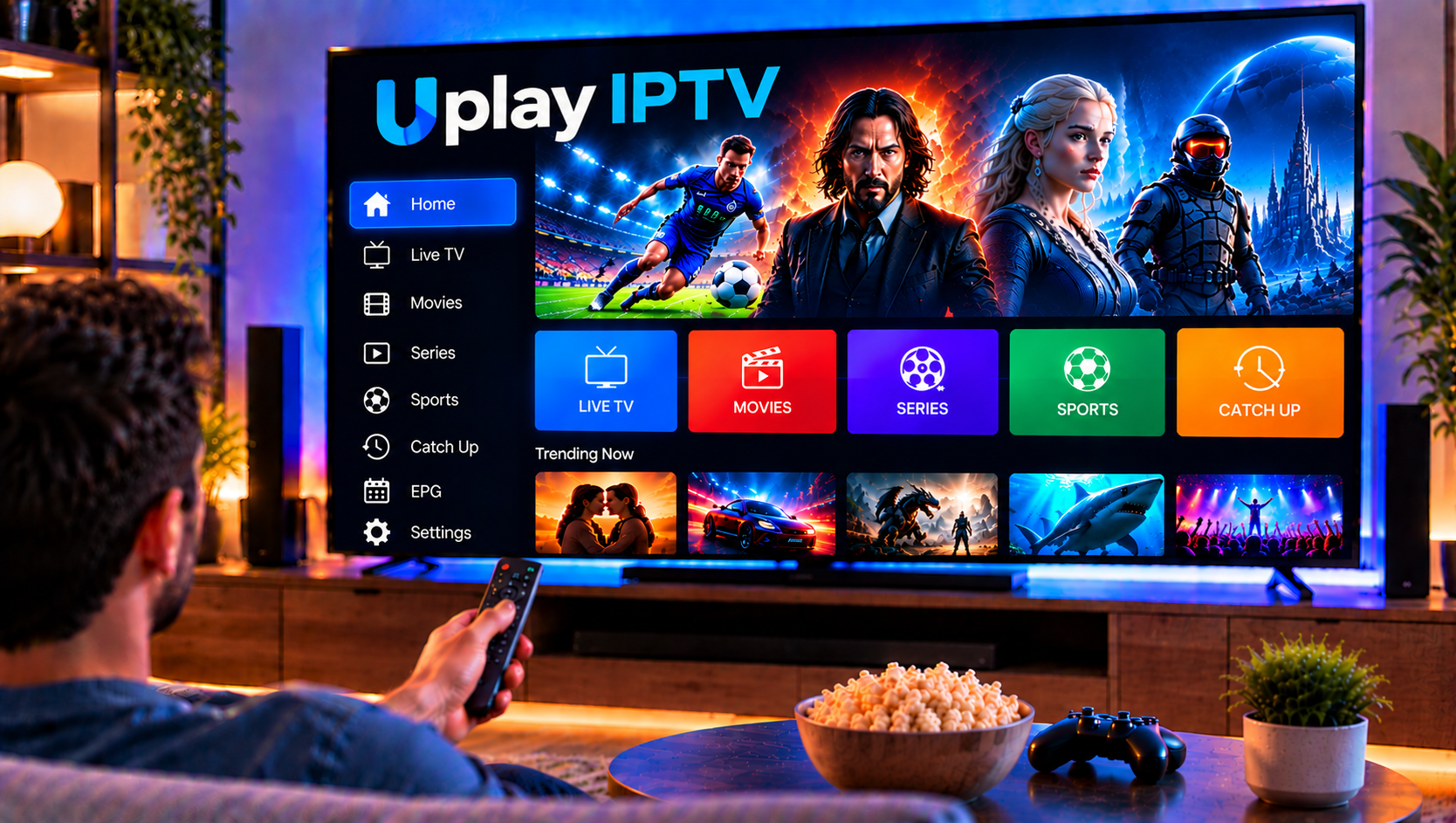
Uplay is one of the more visible IPTV names among Swedish viewers. It is based in Gothenburg, it promotes a huge channel library, and it markets itself heavily around live sport. But a polished landing page does not tell you whether a service is right for your home.
This review covers what Uplay IPTV offers, where it shines, where it falls short and which alternatives are worth comparing. All details come from Uplay’s own website at the time of writing, so treat them as the provider’s claims and confirm them before you sign up.
What Is Uplay IPTV?
Uplay IPTV is a subscription service that streams live TV channels, movies and series over the internet instead of through cable or satellite. Its site says it offers more than 54,000 live channels and over 229,000 on-demand titles. It also promotes quality up to 4K, catch-up TV and no binding period.
One feature it highlights as unique is a built-in web player. After ordering, you can watch directly in your browser from your account page, with no app to install. That is a practical touch for people who just want to test the service on a laptop first.
Key Features of Uplay IPTV
Channels and On-Demand Library
The headline numbers are large, but numbers alone mean little. Most households watch a few dozen channels regularly. What matters is whether the channels you care about, such as Swedish public service, Nordic sport and kids’ channels, are included and stable.
Sports Coverage
Sport is Uplay’s strongest selling point. The site lists the Premier League, Champions League, NFL, NBA, Formula 1, NHL and UFC, along with Swedish competitions such as Allsvenskan and SHL. For sport-first households, that breadth is attractive.
Picture Quality
Uplay advertises Full HD and 4K with Dolby audio. As always with IPTV, the real result depends on the original stream and your connection. A 4K label does not guarantee a 4K source for every channel.
Kids and Family Content
The service promotes a dedicated kids section, including content from major children’s brands. This is useful for families, though you should confirm exactly what appears in your own account.
Browser Playback and Devices
The web app removes setup friction. For TVs, phones and boxes, you will need to check Uplay’s documentation for supported apps, since the main pages do not list devices in detail.
Streaming Stability: What Really Affects Your Experience
Reviews often praise a service for “no buffering,” but stability is shared between the provider and your home network. Even a strong platform can stutter if your setup is weak.
Keep these points in mind when you test any IPTV service:
- Test at peak times. Evenings and big match days put the most load on a service, so that is when you should judge it.
- Use a wired connection where possible. Ethernet is more reliable than Wi-Fi for FHD and 4K channels.
- Check your speed. A stable connection of roughly 15–25 Mbps per stream is a sensible target for HD, and higher for 4K.
- Limit other traffic. Downloads and other streams on the same network can cause freezing.
If a service buffers only in the evening, the cause may be network congestion rather than the channel itself.

Uplay IPTV Pros and Cons
Pros
- Very large advertised channel and on-demand library
- Strong sports focus, including Nordic leagues
- Browser playback with no installation
- Round-the-clock support through live chat
- No binding period stated on the site
Cons
- Device and setup details are thin on the main pages
- Customer reviews shown on the site are selected by the provider
- Very large catalogs make it hard to verify quality channel by channel
- Marketing language such as “best IPTV in the world” is not backed by independent evidence
Support and Account Experience
Uplay says it offers support around the clock through live chat, and many of its featured customer comments mention helpful agents. That is a good sign, but remember that testimonials on a provider’s own website are curated.
A better test is to contact support before you subscribe. Ask a specific question, such as whether a particular league or channel is included, and see how quickly and clearly you get an answer. How a team responds before you buy is usually a fair preview of how it responds afterward.
What to Check Before You Subscribe
A big catalog deserves a closer look. Before signing up for any IPTV service, including this one, run through these checks:
- Licensing and terms. Read the terms of service and ask how the provider obtains broadcast rights. Be cautious with any service that bundles a very large number of premium channels and streaming brands in one package.
- Real reviews. Look beyond the provider’s own site, including independent forums and review platforms.
- Your channel list. Ask support to confirm the specific channels and leagues you need.
- Device support. Confirm your TV, phone or box is supported before you commit.
- Cancellation rules. Understand exactly how and when you can stop the subscription.
Uplay IPTV Alternatives in Sweden
What to Look For
Whichever service you consider, compare the same things: channel quality over quantity, stability during big matches, clear setup help, flexible plan lengths and transparent terms.
Sverige IPTV
Sverige IPTV is built for Swedish users and offers live TV, sports, movies and series in HD, FHD and 4K. It focuses on simple setup, easy installation help, and flexible subscription lengths. If you prefer to start small before committing, you can look through the available IPTV packages to see which duration fits your viewing habits.
Other Options on the Market
Viewers who want a wider comparison often look at several services side by side. Providers such as Nordic IPTV King regularly appear in those comparisons, though you should apply the same checks listed above to every name on your shortlist.
Setting Up on Your Own Devices
Whatever you choose, make sure the service works on the screens you actually use. Most households watch on a Smart TV, a phone or a tablet, so a clear Android and iOS setup guide can save you a lot of trial and error compared with services that leave device setup unexplained.
Who Is Uplay IPTV Best For?
Uplay suits viewers who put sport first, want a large catalog, and like watching in a browser right after ordering. It is less ideal for people who want detailed setup guidance on the product pages or who prefer a Sweden-focused service with local installation support.
Frequently Asked Questions
Is Uplay IPTV good?
It has a large advertised library and strong sports coverage, and its own reviews are positive. As with any IPTV service, test it carefully and judge stability during busy events.
Is there a binding period?
Uplay states there is no lock-in and that you can cancel at any time. Check the terms for the exact conditions.
Can I watch Uplay without an app?
Yes. The service includes a browser-based player that works from your account page.
Does Uplay IPTV offer 4K?
It advertises FHD and 4K quality, but actual resolution depends on the channel’s source and your internet speed.
What are the best alternatives to Uplay IPTV in Sweden?
Look for providers with Swedish channel coverage, stable streaming, clear setup help and flexible plan lengths. Compare at least two or three before deciding.
Final Verdict
Uplay IPTV is a feature-rich service with a strong sports line-up and a convenient browser player. Its weak spots are limited setup detail and marketing claims that are best verified yourself. If you would rather compare a Sweden-focused option with simple installation, flexible plans and a wide range of channels, take a look at Sverige IPTV and choose the subscription that fits your home.