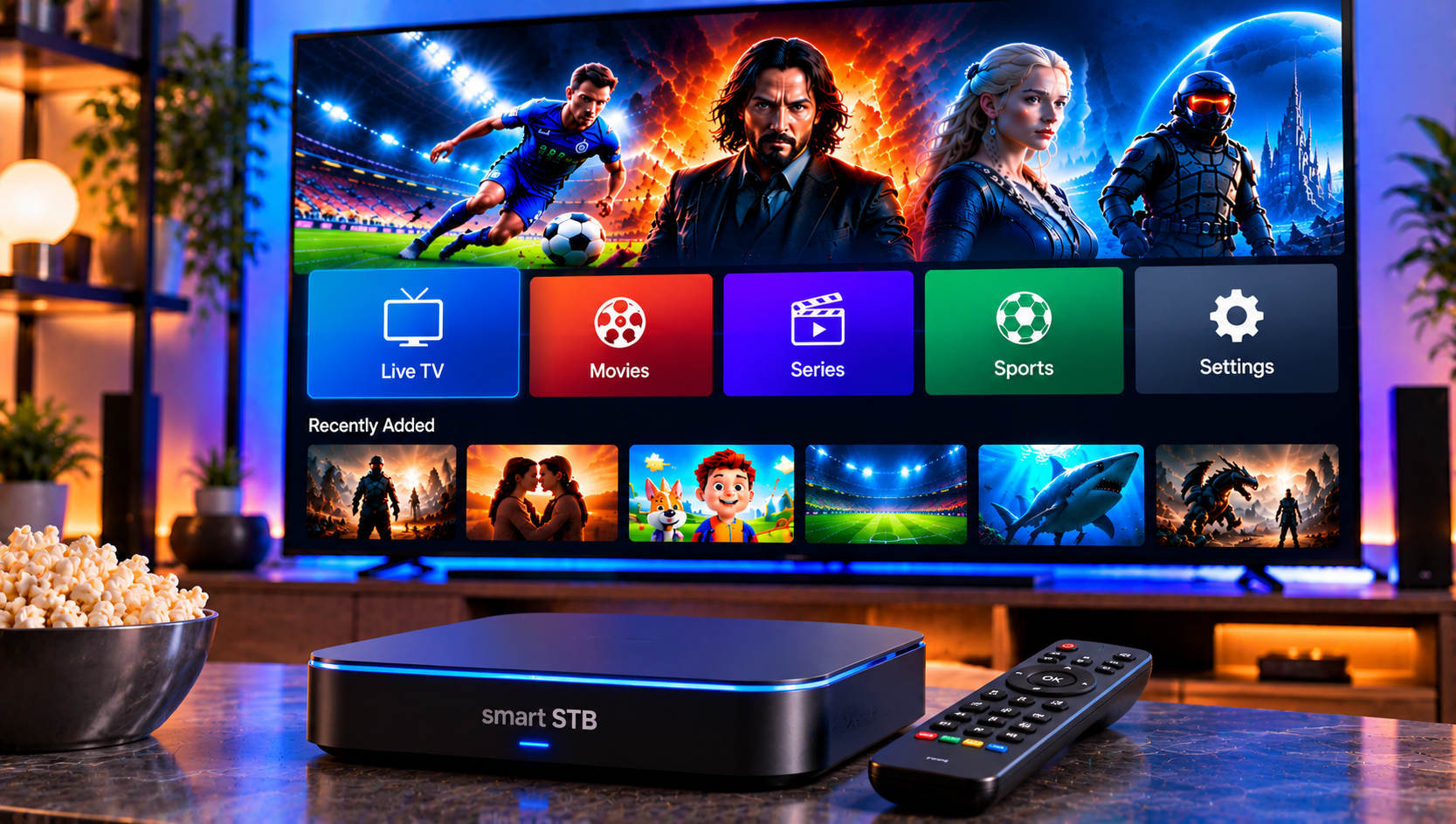
Smart STB is a popular player app for people who want a set-top-box-style experience on their phone, tablet, Apple TV or Android TV. The app itself is simple once it is running. Getting there is the hard part: portal URLs, activation, and the occasional “file not found” error leave plenty of new users stuck.
This guide explains what Smart STB is, how to set it up, how activation works and how to fix the most common problems. It is based on the app’s official store listings and the issues real users report.
What Is Smart STB?
Smart STB is a media player, not an IPTV service. The developers say this clearly on both store pages: the app does not provide channels, playlists or portals. It only connects you to the content your IPTV provider gives you.
The app emulates the style of a traditional set-top box. You enter a portal address or an M3U playlist, and the app loads your live TV, video on demand and series into one interface. Without valid details from a provider, you will see nothing except the app’s demo portal.
Portal vs M3U: What Is the Difference?
Beginners often mix these up, so here is the short version.
- Portal: a web address supplied by your provider that loads a full interface, including channel groups, a video club and, on some portals, account information. It behaves much like a physical set-top box connected to a provider.
- M3U playlist: a file or link that lists channels and streams. It is simpler and works well for basic live TV, though some features depend on what the playlist contains.
If your provider offers both, a portal usually gives a fuller experience, while M3U is easier to troubleshoot.
Smart STB Features Worth Knowing
According to its listings, the app offers:
- Up to eight portal positions, so you can store multiple sources
- Live TV, Video Club and series support on compatible portals
- M3U playlist support, including favorites and EPG
- Categories, favorites, search and sorting
- Multi-audio tracks and subtitles, including closed captions
- Timeshift and TV archive, where your provider supports them
- Parental controls for live TV and on-demand content
- Radio and audio club modules
- Remember-last-played and auto-next-episode for series
Remember that many of these depend on your provider’s setup. If a feature is missing, the cause is often the portal, not the app.
Which Devices Support Smart STB?
The Apple version runs on iPhone, iPad, Apple TV (tvOS 14 or later) and Macs with Apple silicon. The Android version, listed as Smart STB+, runs on phones, tablets, foldables and Android TV devices.
The developer notes that the Android app performs best on Android Smart TVs with a digital TV tuner. It may run less smoothly on basic Android TV boxes without one. If you are choosing hardware, our guide to IPTV on Smart TV explains which TV types tend to work best with streaming apps.
How to Set Up Smart STB Step by Step
- Install the app from the App Store or Google Play.
- Open the app and note any device identifier it shows, such as a MAC address. Some providers need it.
- Choose a portal slot in the settings menu.
- Enter your portal URL exactly as your provider gave it, or add your M3U link.
- Save and reload. Wait for the channel list to load, which can take a minute on large portals.
- Set preferences such as time zone, subtitle size and parental PIN.
Copy and paste the URL where you can. A single wrong character is the most common reason a portal will not load.
How Smart STB Activation Works
Smart STB lets you explore the app in a limited way, but full use requires a license. On Apple devices, the App Store listing says licenses are handled through in-app purchases, and that a license can be transferred between devices connected to the same Apple account. Other platforms may handle activation differently, so follow the instructions shown inside the app and on the developer’s official website.
Two cautions are worth keeping in mind. First, only buy a license through the official app or the developer’s own site. Second, a license activates the player, not your content. You still need a valid portal or playlist from an IPTV provider.
Smart STB Troubleshooting: Common Problems and Fixes
“File Not Found” Error
This is one of the most frequently reported problems. First, try the app’s built-in demo portal to confirm the player works. If it does, the issue is with your portal details or stream, not the app. Next, try switching the media player in the app’s settings. If the error continues, contact your provider and the developer’s support.
Portal Will Not Load
Check the URL for typos and extra spaces. Confirm your subscription is active, and make sure your device has a stable connection. Some providers also lock access to a specific MAC address, so make sure the one registered matches your device.
Colour Buttons or Sorting Options Seem Missing on Apple TV
Many Apple TV users cannot find sort, search and favorite shortcuts. The developer’s own reply to reviews explains that pressing and holding the centre/OK button for a few seconds highlights the hidden options, which you can then use with the colour functions.
Cannot Exit the App on Apple TV
Some reviewers report that the back button returns to the home screen instead of closing the app. This has been raised repeatedly, so use the Apple TV app switcher to close it.
Buffering or Freezing
Test your connection first. For FHD and 4K channels, a wired Ethernet connection is more reliable than Wi-Fi. If only certain channels freeze, the problem is usually on the provider’s side.
Favorites Are Hard to Find
Favorites in some versions work as a sorting filter, which hides other channels. If you want a clean view again, switch the sort option back to the full list.
How to Choose a Provider for Smart STB
Because Smart STB only plays what you supply, your provider decides the quality of your experience. Check that they offer portal or M3U access, stable streams at peak times, clear setup help and a good variety of channels. People comparing options sometimes look at services such as Viking IPTV, but whichever name you consider, test it carefully and make sure it uses properly licensed content.
If you prefer a Sweden-focused service with guided setup, you can also read our IPTV installation guide to see how a supported setup works on different devices.
Frequently Asked Questions
Is Smart STB an IPTV service?
No. It is a player app only. You need your own portal or M3U playlist from an IPTV provider.
Does Smart STB work on Apple TV and Android TV?
Yes. There is a version for Apple devices, including Apple TV, and the Android version supports Android TV devices.
Why does Smart STB say “file not found”?
It usually points to a stream or portal problem. Try the demo portal, switch the media player and contact your provider if it continues.
Can I save more than one portal?
Yes. The app supports up to eight portal positions.
Does Smart STB support EPG and catch-up?
It supports EPG for M3U playlists, along with timeshift and TV archive, but your provider must supply the data.
Final Thoughts
Smart STB is a capable player once you understand its three requirements: a working app, a valid license and a reliable portal or playlist. Most problems come from typing errors, device identifiers or provider-side issues rather than the app itself. If you are looking for a Swedish IPTV service with easy installation help, a wide choice of channels and flexible plans to pair with your player, visit Sverige IPTV and find the subscription that suits your home.