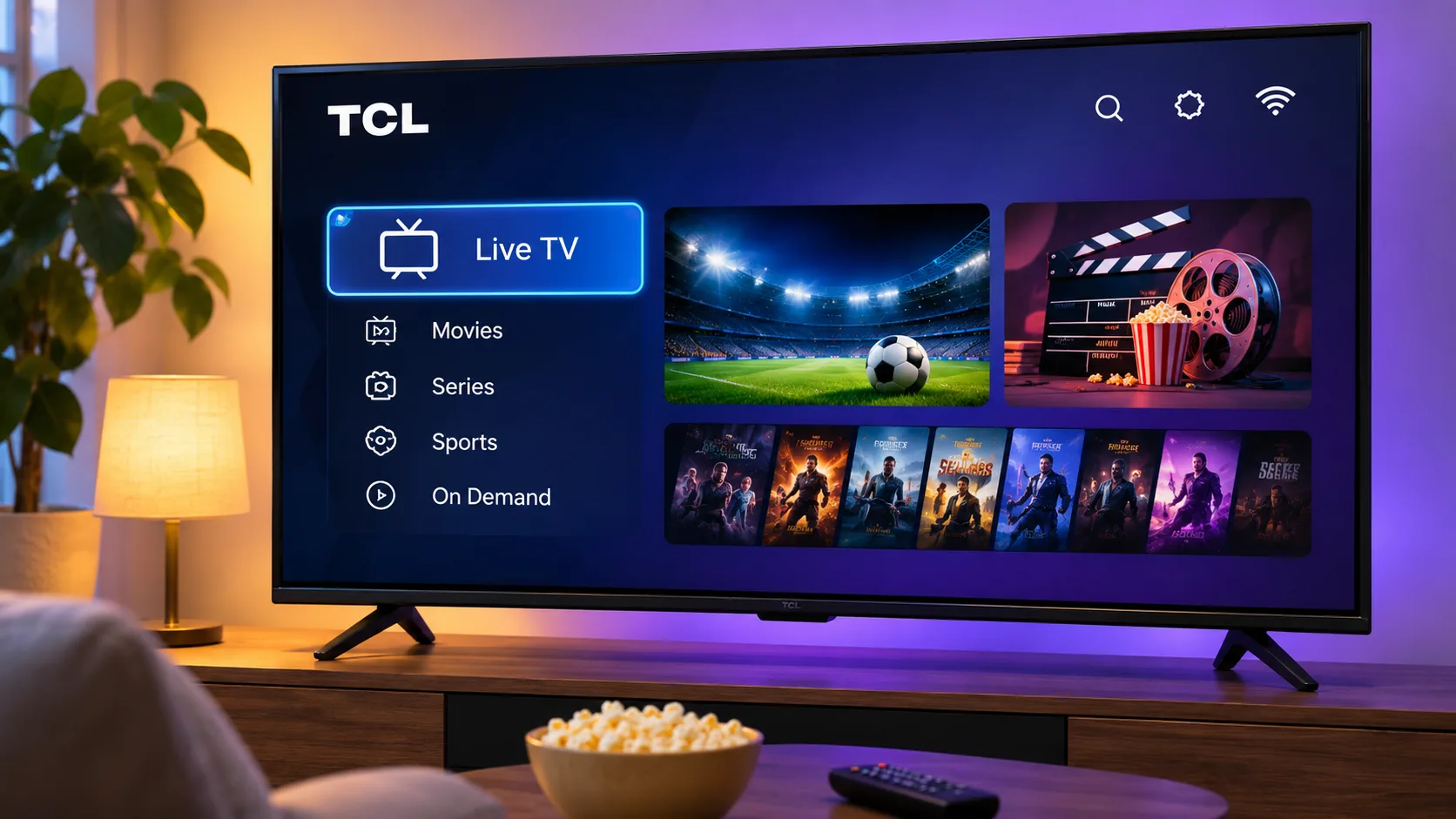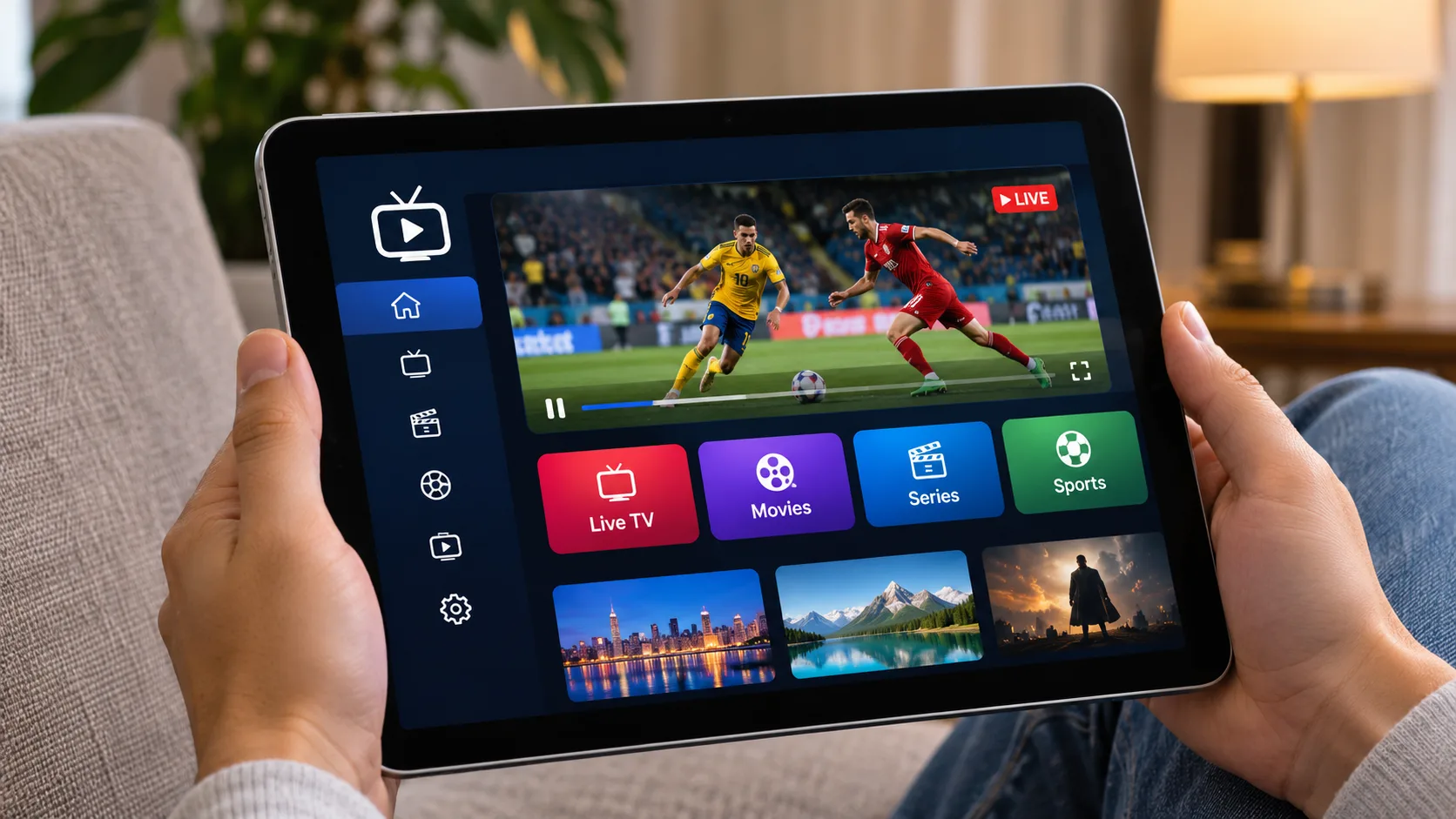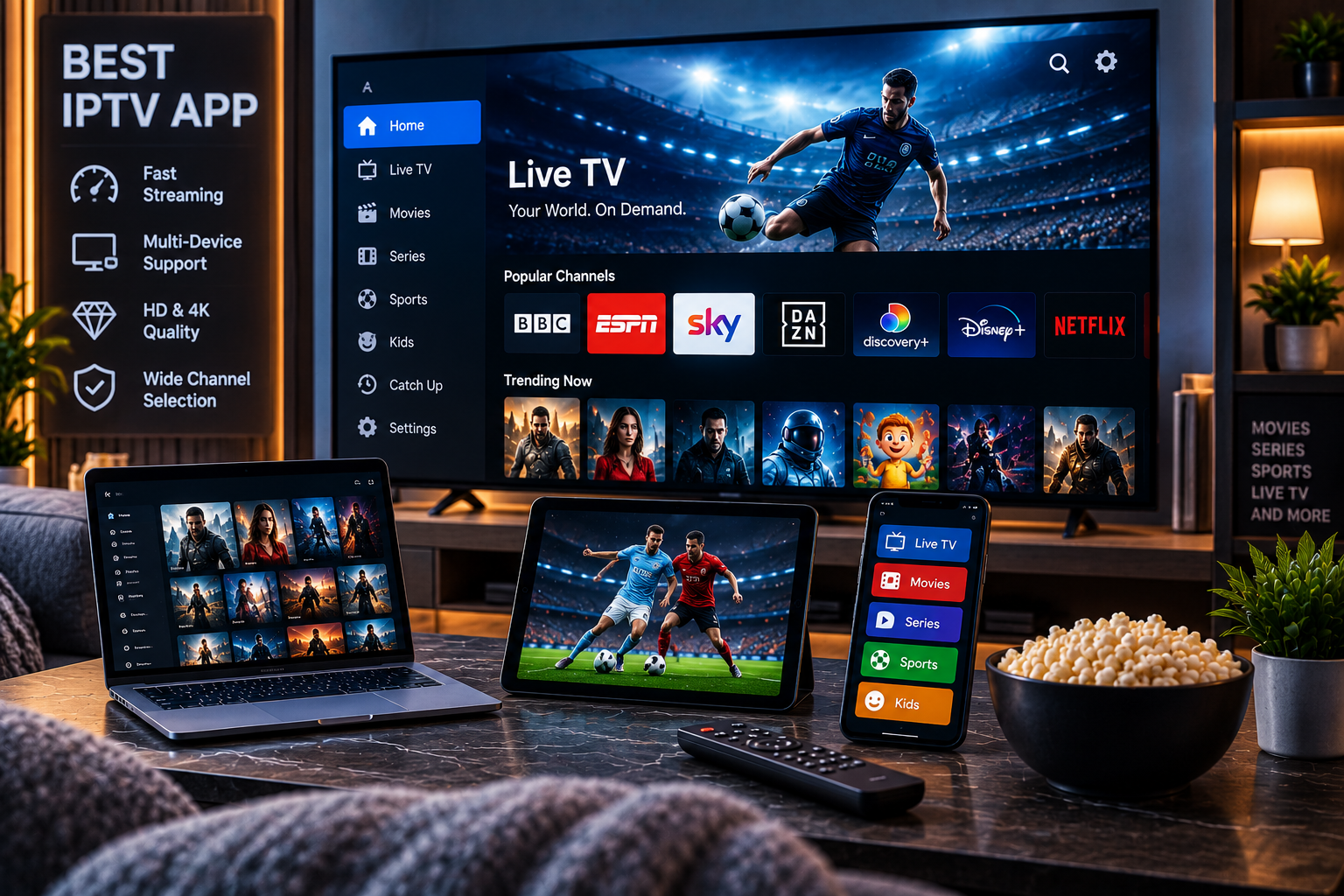
Choosing the best iptv app in 2026 depends heavily on the device you use, the playlist format supplied by your IPTV provider, and the features you want from your viewing experience.
Some viewers simply need an app that loads an M3U playlist and plays live TV. Others want a polished electronic program guide, favorites, catch-up television, multiple playlists, recording, parental controls, casting, or a traditional cable-style interface.
The important thing to understand is that most IPTV apps are players, not television providers. They organize and play content supplied through an IPTV subscription, M3U playlist, Xtream Codes login, or another compatible source.
This guide compares the main types of IPTV apps available in 2026 and explains which options make the most sense for Android, Google TV, Smart TVs, iPhone, iPad, Windows, and Mac users.
Best IPTV App in 2026: Quick Comparison
Different apps excel on different devices.
| App | Best For | Key Strength |
| TiviMate | Android TV / Google TV | Premium TV-style interface |
| IPTV Smarters | Multi-device users | Simple setup and broad compatibility |
| Sparkle TV | Google TV | Modern EPG and DVR-focused design |
| OTT Navigator | Advanced Android users | Deep customization |
| Televizo | Android phones/tablets | Lightweight mobile streaming |
| IBO Player | Smart TVs | Simple playlist management |
| Kodi | Windows, Mac, advanced users | Flexibility and customization |
| VLC | Basic desktop playback | Simple M3U playback |
The right choice is not necessarily the app with the longest feature list. It is the one that works reliably with your specific device and IPTV source.
What Makes a Good IPTV App?
Before comparing individual apps, it helps to understand what features actually matter.
A strong IPTV player should ideally provide:
- M3U playlist support
- Xtream Codes compatibility
- Electronic Program Guide support
- Fast channel switching
- Favorites
- Search
- VOD organization
- Subtitle support
- Reliable playback
- Parental controls where needed
- Regular software updates
- Easy remote-control navigation on TVs
Some apps also offer premium features including recording, multi-screen viewing, catch-up TV, picture-in-picture, playlist synchronization, and multiple provider profiles.
IPTV App vs IPTV Subscription
These are not the same thing.
The app is the software used to watch content.
The subscription supplies the channels, movies, series, and account credentials.
Installing an IPTV player by itself normally does not give you premium television channels.
Best IPTV App for Android TV and Google TV
Android-based televisions and streaming devices offer some of the strongest IPTV app choices.
TiviMate
TiviMate remains one of the most recognizable options for Android TV and Google TV users.
Its biggest advantage is the interface.
Instead of feeling like a mobile application stretched across a television screen, TiviMate is designed around remote-control navigation and resembles a traditional television guide.
Useful features can include:
- Multiple playlists
- Detailed EPG
- Favorites
- Catch-up support
- Search
- Recording options
- Custom channel groups
- Multiple viewing panels
- Interface customization
The premium version typically unlocks many of its more advanced features.
TiviMate is particularly suitable for viewers who primarily watch IPTV from the sofa using a television remote.
Best IPTV App for Beginners
IPTV Smarters
IPTV Smarters-style applications remain popular because they are relatively easy to understand.
The interface generally separates:
- Live TV
- Movies
- Series
- Catch-up
- EPG
Many versions support both M3U and Xtream Codes login methods.
This makes the app suitable for households that want a straightforward layout rather than extensive customization.
It is also commonly available across several types of devices, making it useful for people who switch between television, mobile, and desktop environments.
If you already have an IPTV subscription and need help understanding your credentials and device setup, Sverige IPTV provides dedicated IPTV installation instructions for compatible platforms.
Best IPTV App for Google TV Users
Sparkle TV
Sparkle TV is another strong choice for Android TV and Google TV devices.
Its interface is designed to feel like a modern television platform rather than a basic playlist viewer.
Depending on the version and configuration, features can include:
- M3U support
- EPG
- DVR functionality
- Timeshift
- Favorites
- Multiple sources
- Channel categories
- Remote-friendly navigation
Sparkle TV can be a good alternative for users who like TiviMate but want to compare different television-oriented interfaces.
Best IPTV App for Power Users
OTT Navigator
OTT Navigator is designed for users who want extensive control over how channels are displayed and organized.
It offers advanced filtering and customization options that can be especially useful when a playlist contains thousands of channels.
Power users may appreciate:
- Multiple provider support
- Category filters
- Custom channel groups
- Favorites
- EPG
- Catch-up
- Picture-in-picture
- Advanced playback options
The trade-off is complexity.
Beginners may find a simpler player easier to configure initially.
Best IPTV App for Android Phones and Tablets
Televizo
Televizo is a useful option for Android users who want a lightweight IPTV experience.
Its mobile-friendly interface works well for phones and tablets and supports common playlist formats.
Useful capabilities may include:
- Multiple playlists
- EPG
- Favorites
- Search
- Catch-up
- Playback controls
- External player options
Mobile IPTV viewing has different priorities from Smart TV use. Large television interfaces emphasize guide navigation, while mobile users often prioritize quick channel access and easy touchscreen controls.
Best IPTV App for Smart TV
Smart TV compatibility can be more complicated because different brands use different operating systems.
Samsung commonly uses Tizen, while LG uses webOS. Other televisions may run Android TV or Google TV.
IBO Player
IBO Player-style applications are commonly used on Smart TVs because they provide a straightforward way to associate a playlist with a television.
The usual setup involves identifying the device and adding playlist information through the app’s management system.
Benefits can include:
- M3U support
- Xtream Codes compatibility
- EPG
- VOD organization
- Multiple playlist support
- Remote-friendly interface
Availability can differ depending on the television model, country, and app store.
For viewers using compatible televisions, Sverige IPTV also provides dedicated Smart TV setup guidance covering how IPTV can be configured on supported devices.
Best IPTV App for iPhone and iPad
Apple users should prioritize apps available through legitimate App Store channels and compatible with their IPTV source.
Look for features such as:
- M3U playlist support
- Xtream Codes
- AirPlay
- EPG
- Favorites
- Picture-in-picture
- Subtitle support
The best iPhone IPTV player may not necessarily be the best choice for Apple TV.
Always check device-specific compatibility before purchasing a premium version.
AirPlay Can Be Useful
If an IPTV application supports AirPlay, users may be able to begin playback from an iPhone or iPad and display compatible content on a television or Apple TV device.
Performance depends on the app, network, media format, and streaming source.
Best IPTV App for Windows
Desktop users have several different options.
IPTV Smarters-Type Desktop Apps
These can be convenient if you want a graphical interface designed specifically for IPTV.
They usually organize:
- Live channels
- VOD
- Series
- EPG
This can provide a more television-like experience than a general media player.
VLC
VLC remains useful for users who simply want to open an M3U playlist.
Its advantages include:
- Free software
- Lightweight operation
- Broad codec support
- M3U compatibility
- Windows and Mac support
However, VLC is not designed as a full modern IPTV interface.
It lacks the polished content browsing experience that dedicated IPTV players provide.
Best IPTV App for Mac
Mac users can similarly choose between dedicated IPTV software and general media applications.
If you mainly want to open an M3U playlist, VLC can be sufficient.
If you want an organized interface with live channels, VOD, EPG, and categories, a dedicated IPTV player is usually more convenient.
Kodi is another possibility for advanced users.
Kodi for IPTV
Kodi is not exclusively an IPTV application.
It is a complete media-center platform.
With compatible IPTV configurations and add-ons, Kodi can support live television playlists and guide information.
Advantages include:
- Extensive customization
- M3U compatibility
- EPG options
- Cross-platform support
- Media library integration
The downside is setup complexity.
Kodi makes more sense for users who want a full media center rather than a simple plug-and-play IPTV player.
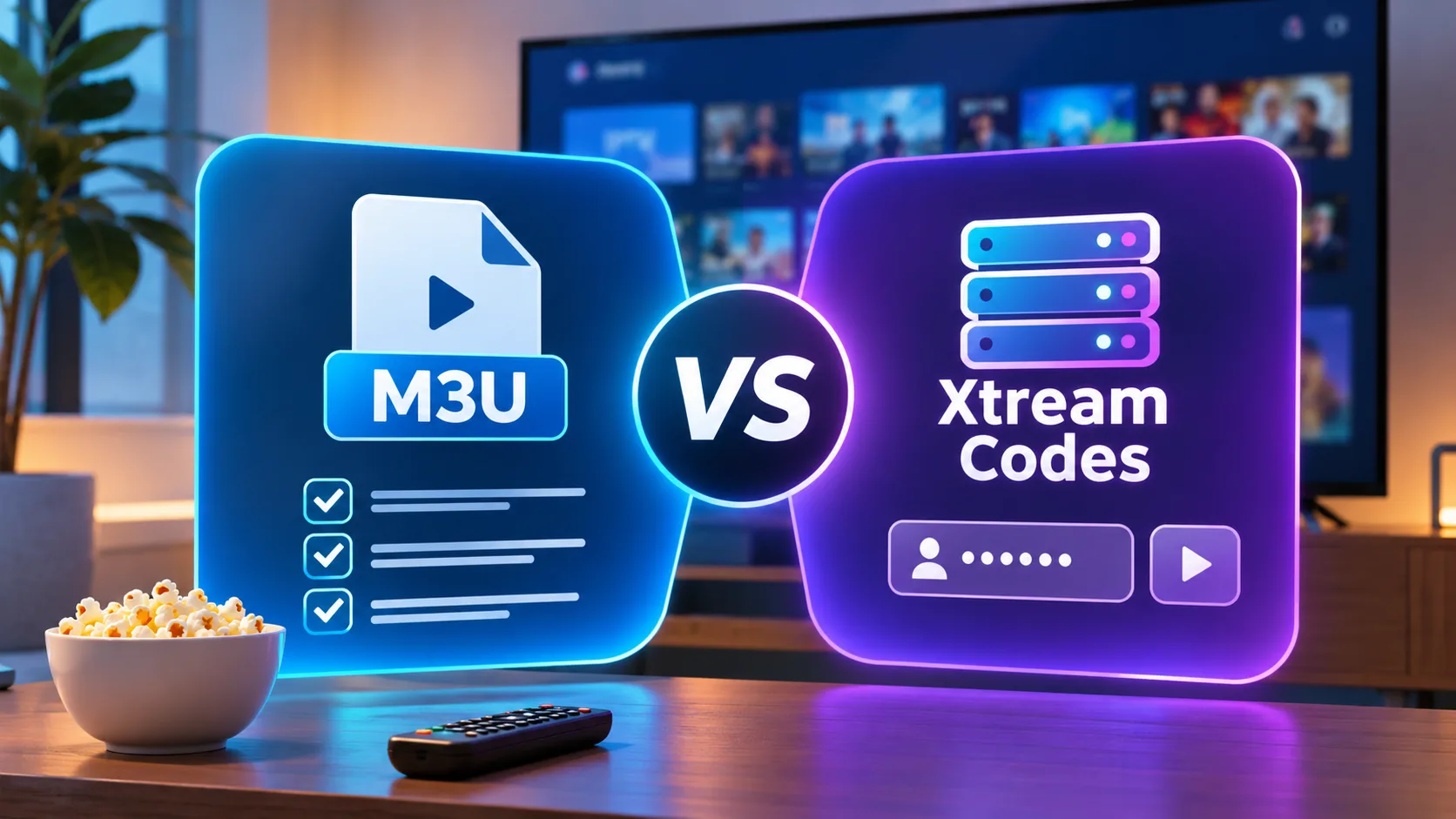
M3U vs Xtream Codes: Which Should You Use?
Most IPTV applications accept one or both of these login methods.
M3U Playlist
An M3U URL contains information pointing the player toward available streams.
Benefits include:
- Broad compatibility
- Easy transfer between compatible apps
- Simple playlist format
Xtream Codes Login
This generally uses:
- Server URL
- Username
- Password
For many users, this creates a cleaner setup because the app can automatically organize live TV, movies, series, and EPG information.
Use whichever legitimate connection method your IPTV provider supports.
Why EPG Support Matters
EPG stands for Electronic Program Guide.
A good EPG makes IPTV feel much closer to traditional television.
It can show:
- Current show
- Next show
- Start time
- End time
- Channel schedule
Without EPG information, users often have to open channels individually to determine what is playing.
For households watching a large number of live channels, good EPG integration can be more valuable than cosmetic app features.
Should You Pay for an IPTV App?
Free IPTV players can work perfectly well for basic streaming.
Premium versions become useful when you want features such as:
- Multiple playlists
- Recording
- Advanced EPG
- Custom interface layouts
- Multi-screen viewing
- Playlist synchronization
- Additional playback settings
- Ad removal
Before purchasing an app, test its free version where available.
Make sure it works with your IPTV credentials and device first.
IPTV App Performance Depends on More Than the App
Changing your IPTV player will not fix every streaming problem.
Playback depends on several factors:
Internet Connection
Insufficient bandwidth can cause buffering.
Wi-Fi Quality
Weak Wi-Fi signals can affect HD and 4K playback even when your overall internet speed is good.
Device Performance
Older Smart TVs may struggle with large playlists or high-bitrate content.
Stream Quality
The original IPTV stream itself must be stable.
Video Decoder
Different apps use different playback engines and decoding settings.
For this reason, testing two compatible apps on the same channel can sometimes reveal meaningful performance differences.
Can One IPTV Subscription Work in Different Apps?
Often yes, depending on the provider’s supported login format.
For example, the same M3U or compatible credentials might work with multiple IPTV players.
However, this does not mean you can stream simultaneously on unlimited devices.
Connection limits are controlled by the subscription.
When comparing another provider such as Nordic IPTV King, check its current device and simultaneous connection terms separately from the IPTV application you plan to use.
Security Tips When Installing IPTV Apps
Download applications from reputable sources whenever possible.
Be cautious with unknown APK files and websites offering modified or “cracked” premium versions.
Before installation, consider:
- App publisher
- Official app store listing
- Update history
- Permissions
- Privacy practices
- User reviews
- Website authenticity
Never assume an application is trustworthy solely because its name resembles a popular IPTV player.
How to Choose the Best IPTV App for Your Device
Use this simple process.
Step 1: Identify Your Device
Determine whether you use:
- Android TV
- Google TV
- Samsung TV
- LG TV
- Android phone
- iPhone
- Windows
- Mac
Step 2: Check Your IPTV Login Format
Confirm whether your provider supplies:
- M3U
- Xtream Codes
- Another compatible format
Step 3: Decide Which Features Matter
Choose whether you need:
- EPG
- Catch-up
- Recording
- Multiple playlists
- Favorites
- Casting
- Multi-screen
- Parental controls
Step 4: Test Playback
Try several channels before deciding which app performs best.
Step 5: Keep the App Updated
Updates can improve compatibility, fix bugs, and improve playback performance.
FAQ
What Is the Best IPTV App in 2026?
There is no single best option for everyone. TiviMate is strong for Android TV, IPTV Smarters-style apps suit beginners, OTT Navigator offers customization, and Smart TV users may prefer dedicated television apps.
Does an IPTV App Include Channels?
Usually not. Most IPTV players require a separate legitimate subscription or playlist.
Which IPTV App Is Best for Android TV?
TiviMate, Sparkle TV, OTT Navigator, and other Android-compatible IPTV players are popular options. The best one depends on interface preference and required features.
Can I Use IPTV on an iPhone?
Yes, provided you use a compatible IPTV player and have a supported, legitimate IPTV source.
Can IPTV Apps Play 4K?
Some apps can play 4K-compatible streams if your device, network, codec support, and source stream are capable of handling them.
What Is Better, M3U or Xtream Codes?
Both can work well. Xtream Codes-style logins may provide easier organization, while M3U offers broad playlist compatibility.
Final Thoughts
The best iptv app in 2026 depends less on popularity and more on how well the player matches your device, playlist format, viewing habits, and preferred features. Android TV users may prioritize a polished remote-control interface, mobile users may prefer speed and simplicity, while Smart TV owners need reliable native compatibility. Always test playback, EPG support, navigation, and stream stability before settling on one app. If you want access to Swedish channels, sports, movies, series, HD, FHD, and 4K streaming across compatible devices, explore Sverige IPTV and choose the app that best fits your setup.