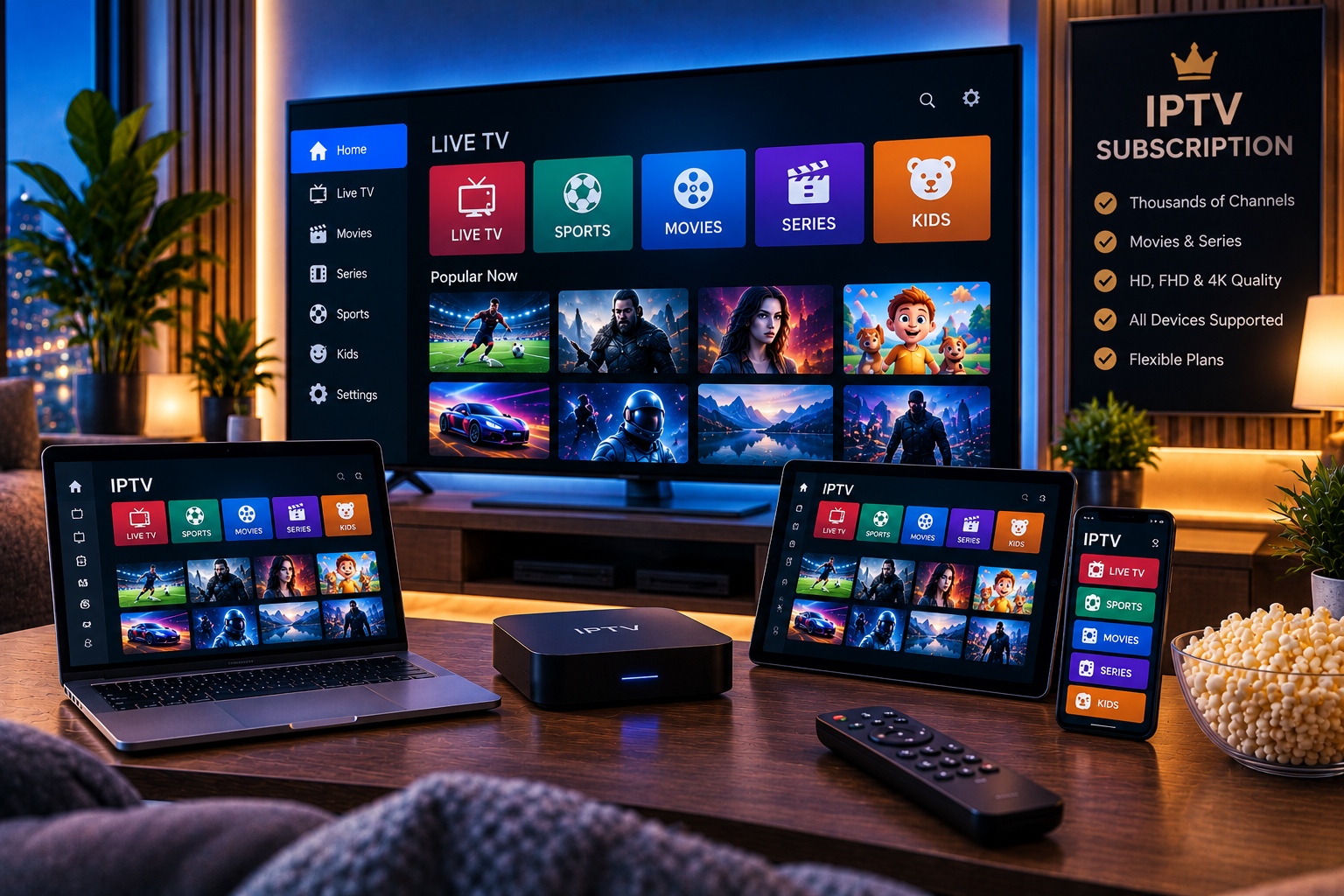
Choosing the right IPTV subscription in 2026 is not simply about finding the lowest price or the provider advertising the largest number of channels. A good subscription should match what you actually watch, work reliably on your preferred devices, offer clear setup instructions, and provide enough streaming stability for everyday use.
For viewers in Sweden, that might mean access to Swedish and Nordic channels, international entertainment, football, hockey, movies, series, and HD, FHD, or 4K streams.
The challenge is that IPTV providers can look very similar on the surface. Huge channel counts, long VOD lists, and premium-quality labels appear everywhere. The real differences often become visible only when you examine reliability, device compatibility, simultaneous connection limits, customer support, subscription terms, and real-world performance.
This guide explains how to compare IPTV subscriptions properly before making a decision.
What Should a Good IPTV Subscription Include?
A strong subscription should offer more than an impressive channel number.
The most important factors usually include:
- Relevant live TV channels
- Stable streaming
- HD, FHD, or 4K options
- Movies and series where included
- Electronic Program Guide support
- Compatible IPTV apps
- Smart TV support
- Mobile and computer compatibility
- Clear installation instructions
- Flexible subscription periods
- Reliable support
- Transparent connection limits
Think of these features as a checklist rather than assuming one feature alone determines quality.
1. Start With the Channels You Actually Watch
Channel relevance should come before total channel count.
A service advertising 30,000 or 50,000 channels may sound impressive, but most households watch only a small percentage of them.
For Swedish users, priorities may include:
- Swedish TV
- Nordic television
- Football
- Hockey
- Motorsport
- International sports
- News
- Children’s channels
- Movies
- Series
- Documentaries
- International entertainment
Create a list of the channels and categories you consider essential.
Then compare providers based on whether those specific options are available.
If you are considering Sverige IPTV, you can review the current IPTV channel selection and compare it with the content your household actually watches.
Remember that channel availability may change, so check the current lineup rather than relying on an old screenshot or review.
2. Streaming Stability Matters More Than Numbers
A subscription can advertise thousands of channels and still provide a frustrating experience if streams frequently freeze.
Reliability becomes especially important during:
- Football matches
- Major sporting events
- Weekend evenings
- Popular live broadcasts
- High-demand viewing periods
When evaluating an IPTV service, look for consistent playback rather than only fast loading during a short demonstration.
Signs of Better Streaming Performance
A stable service should generally provide:
- Fast channel switching
- Minimal freezing
- Consistent audio and video
- Reliable playback over longer sessions
- Smooth HD or FHD streaming
- Reasonable performance during peak hours
However, not every buffering issue comes from the provider.
Your Wi-Fi connection, internet speed, router, streaming app, device performance, VPN, and other household network activity can also affect IPTV playback.
3. Test Before Choosing a Long Subscription
Testing is one of the smartest ways to reduce uncertainty.
A provider may work perfectly for someone else but perform differently on your internet connection, location, device, and IPTV application.
When a trial or short-term option is available, use it properly.
What to Test
Do not test only one channel.
Try:
- Swedish channels
- Nordic content
- Live sports
- Movies
- Series
- HD or FHD streams
- Evening playback
- Channel switching
- Electronic Program Guide data
- Your main IPTV device
Leave streams running for a reasonable period as well.
Some stability problems only appear during longer viewing sessions.
4. Compare IPTV Subscription Lengths Carefully
Many providers offer several subscription periods.
Common options include:
- A few days
- One month
- Three months
- Six months
- Twelve months
Longer subscriptions often appear cheaper when calculated monthly, but that does not automatically make them the best first purchase.
Shorter plans offer more flexibility when you are still testing a service.
Longer subscriptions make more sense when you already know:
- Your channels work
- Streaming is stable
- Your device is compatible
- Support responds
- The service suits your household
You can compare the available Sverige IPTV packages to see how different subscription durations fit different viewing needs.
5. Check Device Compatibility Before Paying
A good IPTV subscription should work on the devices you actually own.
Common devices include:
- Samsung Smart TV
- LG Smart TV
- Android TV
- Google TV
- Android phones
- iPhone
- iPad
- Windows PC
- Mac
- Compatible streaming boxes
Do not assume that saying “works on Smart TV” means every television model is supported.
Samsung uses Tizen, LG commonly uses webOS, and many other televisions use Android TV or Google TV.
App availability can differ between platforms.
Always confirm both your device and the IPTV application you plan to use.
6. Understand M3U and Xtream Codes Support
Many IPTV subscriptions provide credentials using one of two common methods.
M3U Playlist
An M3U URL contains playlist information that compatible IPTV players can load.
It is widely supported and can be useful across many apps.
Xtream Codes-Style Login
This commonly includes:
- Server URL
- Username
- Password
Many users find this method convenient because supported apps can automatically organize live TV, movies, series, and EPG information.
Before choosing an IPTV subscription, make sure your preferred application supports the login method provided.
7. Check Simultaneous Connection Limits
Device compatibility and simultaneous streaming are not the same thing.
A subscription may support:
- Smart TV
- Phone
- Laptop
- Tablet
but still permit only one stream at a time.
This matters significantly for families.
For example, if one person watches football on the television while another wants to watch a movie on a tablet, a single-connection subscription may not support both streams simultaneously.
Before purchasing, ask:
- How many simultaneous streams are allowed?
- Can additional connections be purchased?
- Does switching devices count as another connection?
- Are multiple household users supported?
Never assume “multi-device compatible” means unlimited simultaneous streaming.
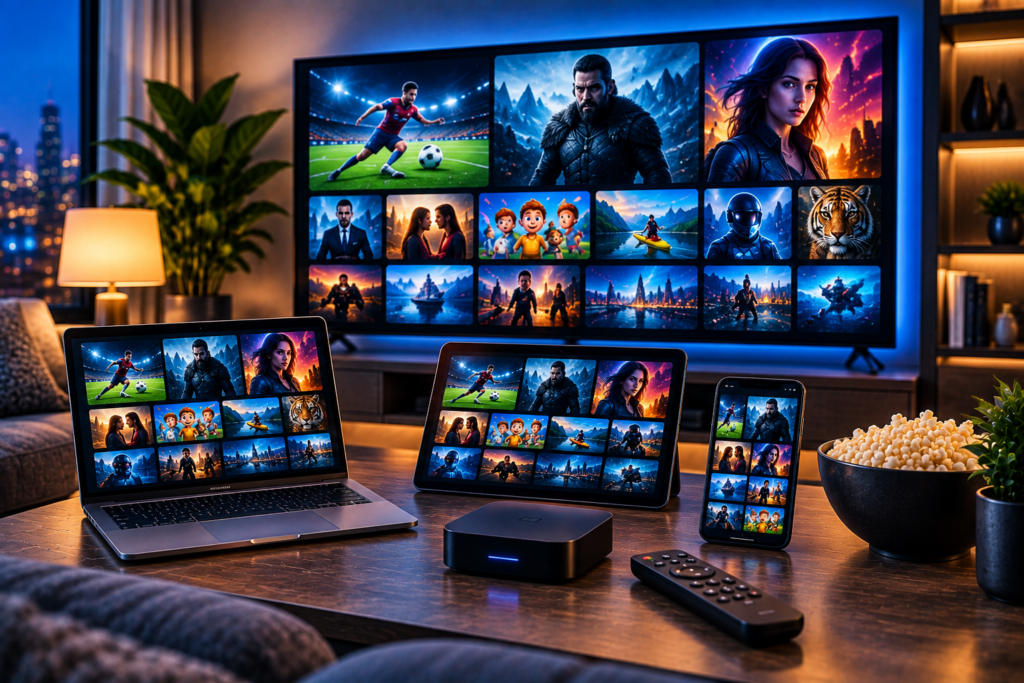
8. Compare Picture Quality Realistically
IPTV providers commonly advertise:
- SD
- HD
- FHD
- 4K
- UHD
But advertised resolution does not tell the whole story.
Actual viewing quality depends on:
- Source quality
- Bitrate
- Compression
- Internet bandwidth
- Streaming device
- Television resolution
- IPTV player
- Network stability
A stable Full HD stream can provide a noticeably better viewing experience than an unstable stream labeled 4K.
Test real channels rather than trusting the resolution badge alone.
9. Look for a Good Electronic Program Guide
An Electronic Program Guide, or EPG, makes live IPTV much easier to navigate.
It can display:
- Current program
- Next program
- Channel schedule
- Program start time
- Program end time
Without reliable EPG data, navigating hundreds of channels becomes much harder.
When testing a subscription, confirm that guide information appears correctly for the channels you watch most.
10. Customer Support Should Be Easy to Reach
Support becomes important when:
- Login details do not work
- A playlist fails to load
- You change devices
- An IPTV app needs configuration
- Your subscription needs renewal
- You experience connection problems
Before purchasing a long plan, pay attention to how the provider responds to basic questions.
Useful support should provide clear instructions rather than generic replies.
When comparing other services such as Viking IPTV, evaluate support, compatibility, current terms, and subscription conditions separately instead of relying on promotional claims alone.
11. Understand Renewal and Payment Terms
Subscription pricing should be transparent.
Before paying, check:
- Exact subscription period
- Renewal method
- Whether renewal is automatic
- Available payment methods
- Refund policy
- Activation process
- Additional connection costs
- Trial conditions
Keep your order confirmation and account information.
Avoid providers that make subscription conditions difficult to understand.
12. Do Not Choose IPTV Based Only on VOD Numbers
Huge movie and series libraries are commonly used as selling points.
But the total number does not reveal:
- How well the library is organized
- Whether titles are duplicated
- What languages are available
- Whether subtitles work
- How often content is updated
- Whether streams load reliably
Quality and relevance matter more than raw numbers.
If movies and series are important to you, test several titles before committing to a longer plan.
13. Consider Your Internet Connection
Streaming performance depends heavily on your home network.
Higher-quality streams usually require more bandwidth.
The exact requirement varies depending on compression and stream bitrate, but 4K generally requires significantly more bandwidth than SD or HD.
Also consider how many people use your internet simultaneously.
Gaming, video calls, downloads, cloud backups, and other streams can reduce available bandwidth.
Ethernet vs Wi-Fi
For televisions and streaming boxes, Ethernet can provide a more stable connection when available.
If Wi-Fi is necessary:
- Keep the router reasonably close
- Use modern Wi-Fi standards where possible
- Reduce interference
- Avoid weak signal areas
Testing your IPTV under normal household conditions gives you a much more realistic result.
14. Security Matters When Buying IPTV
Use basic online security practices before entering payment information.
Check:
- Whether the site uses HTTPS
- Whether you are on the genuine website
- Whether contact information is available
- Whether subscription conditions are clearly explained
- Whether the payment process looks legitimate
Be careful with random links received through social media, messaging apps, forums, or unknown websites.
Also avoid downloading modified IPTV applications from untrusted sources simply because they promise premium features for free.
15. Check Content Rights and Legality
IPTV itself is simply a technology for delivering television through internet protocols.
The important legal issue is whether the provider is authorized to distribute the content offered.
Consumers should therefore consider licensing, provider terms, and applicable Swedish copyright rules when evaluating any IPTV subscription.
A polished website or paid subscription does not automatically prove that every channel is properly licensed.
IPTV Subscription Comparison Checklist
Before deciding, use this simple checklist:
| Factor | What to Check |
| Channels | Your preferred Swedish, Nordic and international content |
| Sports | Relevant leagues and events |
| Quality | HD, FHD and 4K performance |
| Stability | Peak-hour streaming |
| Devices | Smart TV, mobile, desktop |
| Connections | Number of simultaneous streams |
| EPG | Accuracy and coverage |
| Trial | Ability to test first |
| Support | Response quality |
| Plans | Short and long durations |
| Payment | Clear and secure process |
| Terms | Renewal and cancellation details |
A provider that meets your personal requirements is usually a better choice than one that simply advertises the largest catalog.
FAQ
What Is an IPTV Subscription?
An IPTV subscription provides access to television or video streams delivered through Internet Protocol. Depending on the provider, it may include live channels, movies, series, sports, and EPG information.
How Long Should My First IPTV Subscription Be?
A short plan can be useful when testing a new service. Consider a longer subscription only after confirming stability, channel availability, device compatibility, and support quality.
Can One IPTV Subscription Work on Multiple Devices?
Many subscriptions work with several device types, but simultaneous streaming limits vary. Always check how many connections your plan permits.
Is 4K IPTV Worth It?
It can be useful when the source, device, display, and internet connection support high-quality 4K playback. However, stable FHD may provide a better experience than poor-quality 4K.
Should I Choose the IPTV Service With the Most Channels?
Not necessarily. Prioritize the channels you actually watch, reliability, EPG quality, support, and device compatibility.
What Should I Test During an IPTV Trial?
Test your preferred channels, sports, movies, EPG, peak-hour performance, device compatibility, channel-switching speed, and support responsiveness.
Final Thoughts
Choosing an IPTV subscription in 2026 should be based on how well the service fits your actual viewing habits rather than huge channel numbers or the cheapest advertised price. Compare channel relevance, streaming stability, picture quality, device support, simultaneous connections, EPG performance, subscription duration, support, and payment terms before making a longer commitment. If you want to compare an IPTV option focused on Swedish viewers, sports, movies, series, and multi-device streaming, explore Sverige IPTV and choose the plan that best matches your needs.