Skip to main content
IPTV Sverige | Billigaste & Största IPTV

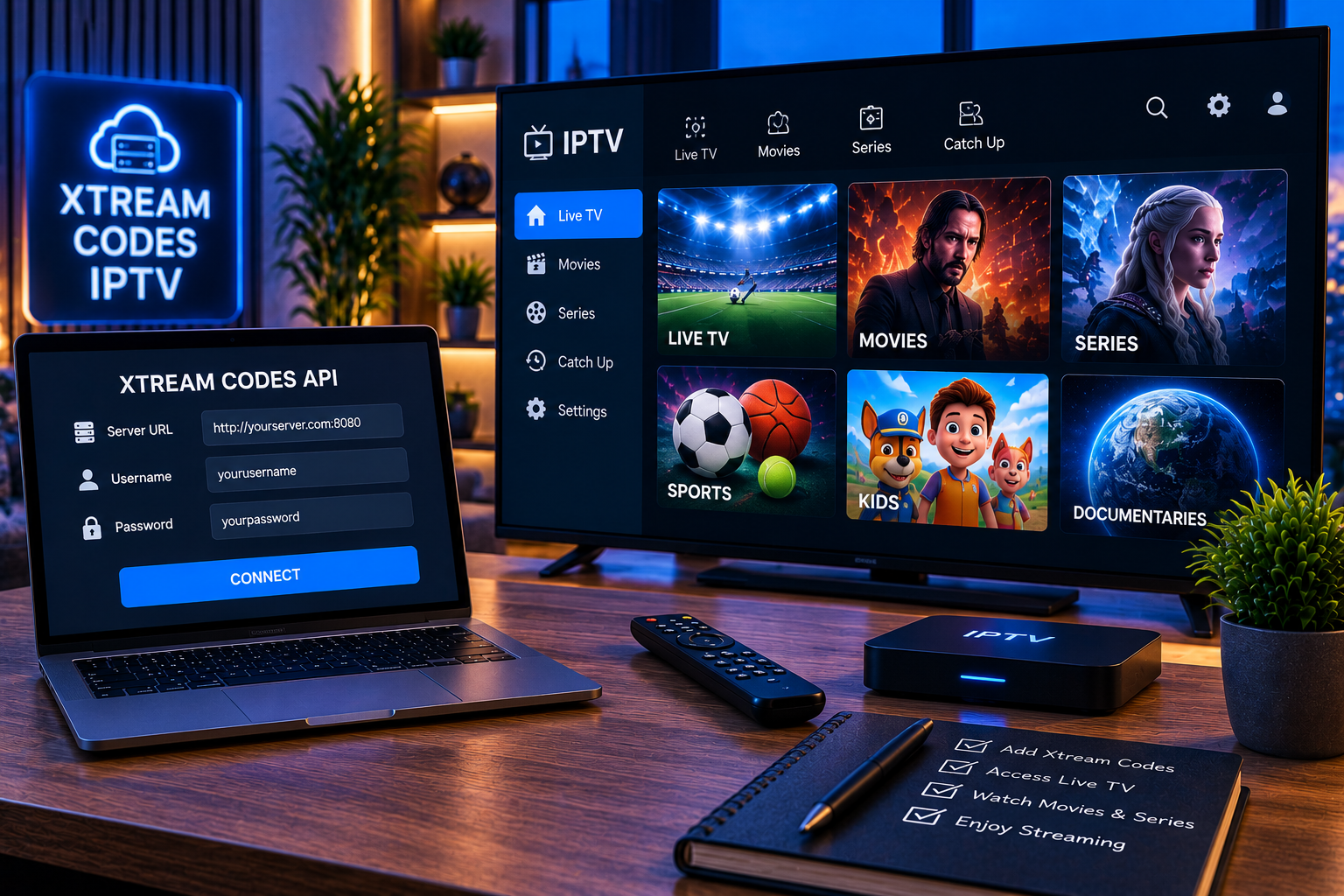
If you have recently received IPTV login details, you may have noticed three pieces of information instead of a traditional playlist file: a username, password, and server URL. This login method is commonly known as Xtream Codes IPTV, and many IPTV player applications support it because setup can be quicker and more organized than manually handling playlist files.
An Xtream Codes-compatible login essentially gives a supported IPTV player the information it needs to communicate with the service configured by your provider. Once authenticated, the player may organize available live television, movies, series, channel categories, and program information automatically.
The important point is that Xtream Codes itself is not a television subscription. It is a connection and authentication method. You still need legitimate access to the content you intend to watch and a compatible player.
What Is Xtream Codes IPTV?
Xtream Codes IPTV usually refers to an API based login format used between an IPTV service and a compatible player. Rather than importing a large M3U playlist manually, the user enters credentials supplied by the service.
A typical login contains three details:
- Server URL containing the hostname and sometimes a port number
- Username assigned to the IPTV account
- Password associated with that username
After these details are entered correctly, the application contacts the specified server. If authentication succeeds, the player can retrieve the content associated with the account.
This distinction is important because some users assume an Xtream login is a code that can simply be generated. It is not. The credentials must normally be issued by the service controlling the account.
That addresses a gap visible in community discussions. Users often ask where to obtain a new “Xtream code,” while the more useful explanation is that the login belongs to an IPTV account and should come from the relevant provider.
How Does an Xtream Codes Login Work?
The process is relatively simple from the viewer’s perspective.
You open an IPTV player that supports Xtream-compatible credentials and select an option such as “Xtream Codes API,” “Xtream Codes Login,” or “Login with Xtream.”
You then enter the account name, username, password, and server address. The account name is normally only a label displayed inside your app, so something simple such as “Living Room TV” is usually enough.
The remaining three fields matter because they determine whether authentication succeeds.
Once connected, the application requests the available categories and media information. Depending on the service and player, you may then see sections for live television, VOD, series, favorites, EPG information, and recently viewed channels.
Modern IPTV players can support both Xtream credentials and formats such as M3U and M3U8. For example, the Smart IPTV Xtream Player listing describes support for Xtream Codes as well as M3U and M3U8 playlists.
Xtream Codes IPTV Versus M3U
Xtream login and M3U playlists can ultimately give a player access to similar media, but they handle account information differently.
An M3U setup generally involves importing a playlist URL or file. Xtream login separates the server address, username, and password into individual fields. This often makes initial configuration easier, particularly on televisions where typing very long URLs with a remote control can be frustrating.
Xtream compatible applications can also present categories in a cleaner structure when the underlying service provides appropriate metadata.
M3U still has advantages. It is widely supported, straightforward to understand, and can be useful with media players that do not offer an Xtream login option.
Neither format automatically determines streaming quality. Picture quality and reliability depend on factors such as the original stream, server performance, internet connection, network congestion, device capabilities, and player configuration.
What You Need Before Starting
Before configuring an IPTV player, make sure you have the complete login information.
Do not guess the server address. A missing protocol, incorrect port, extra character, or typing error can prevent authentication even when the username and password are correct.
It is also worth checking whether your subscription is currently active. Expired credentials can sometimes look like a technical problem because the application may simply display a generic login or authorization error.
For users who need help getting a compatible device ready first, the IPTV installation instructions explain the broader setup process across supported platforms.
How to Set Up Xtream Codes IPTV
Step 1: Install a Compatible IPTV Player
Start with an application that explicitly supports Xtream style authentication. Availability differs between operating systems and app stores, so check the player’s current description before installing it.
An IPTV player normally does not include television channels itself. Think of the application as the interface used to open and organize the service credentials you already have.
Step 2: Find the Xtream Login Option
Open the player and look for wording such as:
Add User
Add Playlist
Xtream Codes API
Xtream Login
Login With Xtream Codes
Exact menu names vary between applications, but the underlying information requested is usually similar.
Step 3: Enter Your Server Details
Enter the server URL exactly as provided.
A server address might include http or https followed by a domain and, in some configurations, a port. Do not remove part of the address simply because it looks unnecessary.
Next, enter your username and password. These fields can be case sensitive, so uppercase and lowercase characters should be copied exactly.
Step 4: Save and Allow the Content to Load
Select the login or add user option after checking all fields.
The first synchronization can take a little time if the account contains a large number of channels, movies, series, or EPG records. Avoid repeatedly closing the application while the initial data is being processed.
After synchronization, categories should appear inside the player.

Setting It Up on Different Devices
Smart TV
Smart televisions can provide one of the most convenient IPTV experiences because no separate streaming box is necessarily required.
Install a compatible player from your television’s official application store whenever possible. Enter the Xtream credentials using the remote, save the profile, and wait for synchronization.
Users configuring a television can also follow the dedicated Smart TV IPTV guide for device focused installation information.
Android TV and Android Devices
Android offers a broad selection of IPTV players. Some support Xtream login alongside M3U playlists, EPG data, favorites, parental controls, and external video players.
Installation is usually straightforward through a trusted app store. After installation, select the Xtream login method and enter the credentials supplied for your account.
Windows and Mac
Desktop users can use compatible IPTV applications where Xtream authentication is available. The advantage of configuring IPTV on a computer is that copying a server URL and credentials is generally easier than entering them with a television remote.
Streaming Boxes
Android based television boxes frequently support IPTV players through their app stores. The setup process remains essentially the same: install a compatible application, select Xtream authentication, enter the credentials, and allow the content library to synchronize.
Common Xtream Codes Login Problems
Incorrect Username or Password
This is one of the easiest problems to overlook. Check for spaces accidentally added before or after a username or password. Also verify capitalization and similar looking characters.
Copying credentials directly is preferable when the device permits it.
Server URL Is Wrong
A correct username will not work against an incorrect server address. Check the complete URL, including the protocol and any port number supplied with it.
If your provider has changed its server address, an older saved configuration may stop connecting.
Subscription Has Expired
Check the account status before changing application settings repeatedly. If the subscription has ended, troubleshooting the network or reinstalling the player will not restore authentication.
App Supports M3U but Not Xtream Login
Not every IPTV application supports every connection method. Community discussions show that users can encounter situations where an application accepts a direct M3U link but cannot work with an Xtream API based configuration.
In this situation, use a player that explicitly lists Xtream compatibility rather than attempting to force the credentials into an M3U field.
Channels Load but Playback Buffers
Successful authentication does not guarantee perfect playback. Buffering can come from WiFi interference, insufficient bandwidth, overloaded local networks, the source stream, server congestion, or device performance.
Try Ethernet when practical, restart the router, close unnecessary downloads, and test another channel. Comparing several channels helps establish whether the problem affects one stream or the entire connection.
Security and Privacy Tips
Treat IPTV credentials as private account information. Avoid publishing screenshots containing the server address, username, or password on forums and social networks.
Download IPTV applications from reputable sources and review the permissions they request. The Google Play listing for Smart IPTV Xtream Player, for example, provides a data safety section describing data collection and sharing disclosures. Checking such information before installation is a sensible habit.
If you compare other services or interfaces such as Viking IPTV, focus on documented compatibility, setup requirements, privacy information, and device support rather than assuming every IPTV service uses identical credentials.
Does Xtream Codes Determine IPTV Quality?
No. The login method does not make a stream HD, FHD, or 4K.
Xtream Codes authentication mainly determines how the player connects to an account and retrieves available content. Actual picture quality depends on the stream being delivered and whether your device, display, connection, and player can handle it properly.
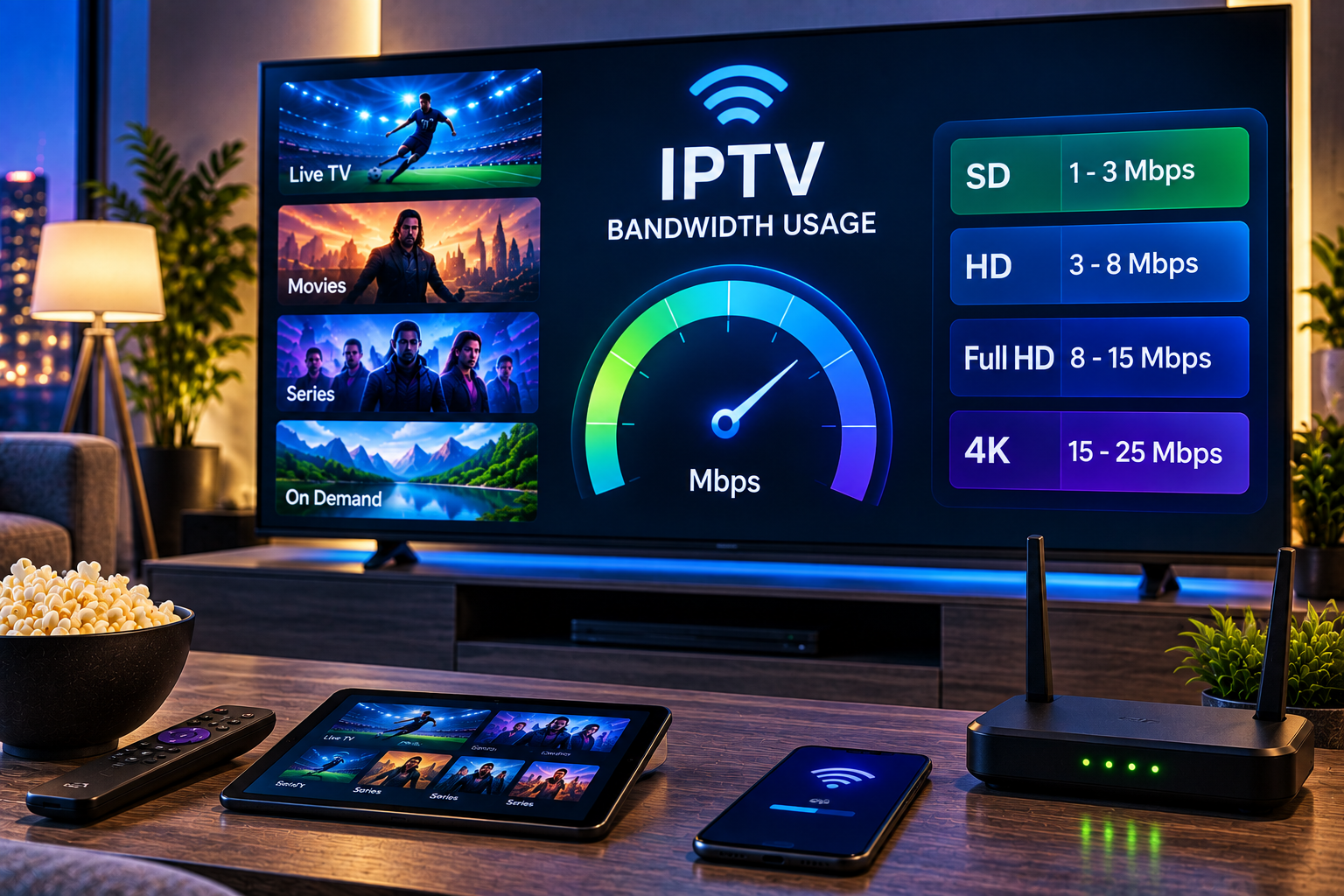
A stable wired connection can be particularly helpful for high bitrate streams. On WiFi, signal strength and interference can matter just as much as the headline speed of your broadband package.
How to Choose an Xtream Compatible Player
A useful player should make navigation simple rather than merely accepting login credentials.
Look for clear channel categories, EPG support, favorites, search, VOD organization, subtitle controls, responsive navigation, and compatibility with your operating system. If several people use the same television, parental controls and multiple profile support can also be valuable.
Performance matters as well. A lightweight application that loads categories quickly may provide a better daily experience than one packed with features your household never uses.
Frequently Asked Questions
Is Xtream Codes IPTV the same as an IPTV subscription?
No. Xtream compatible credentials are a method for authenticating and loading an IPTV account in a supported player. The player and login method do not independently provide content.
What information is needed for an Xtream login?
Typically, you need a server URL, username, and password. Some applications also ask you to create a profile name, but that name is normally just for identifying the account inside the application.
Can I use Xtream Codes on a Smart TV?
Yes, provided your television has access to an IPTV player that supports the login method. Compatibility varies by television platform and application.
Why does my Xtream login say authorization failed?
The most common areas to check are the username, password, server URL, subscription status, and whether the selected application actually supports Xtream authentication.
Is an M3U playlist better than Xtream Codes?
Neither format is universally better. Xtream login can provide convenient authentication and structured categories, while M3U offers broad compatibility. The right choice depends on your player, device, and the connection method legitimately supplied with your service.
A Simpler Way to Get Your IPTV Setup Ready
Understanding xtream codes iptv makes installation much easier: keep your server URL, username, and password accurate, choose a compatible player, and protect your credentials like any other account information. If you want to explore compatible IPTV options, device support, channel access, and setup guidance for Swedish viewers, visit Sverige IPTV to get started.