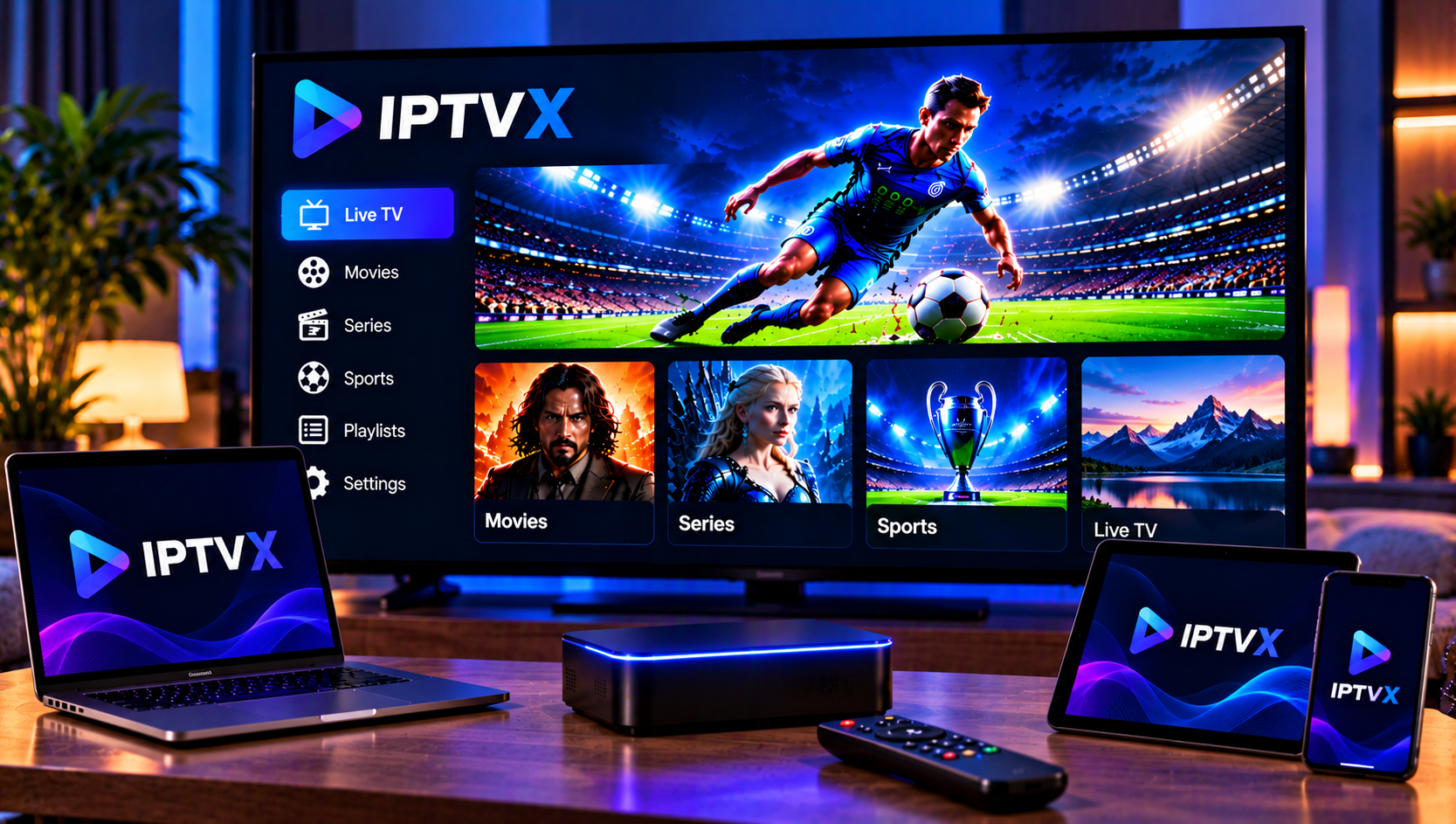
IPTVX is one of the best-known IPTV player apps on Apple devices, and it now has an Android version too. It is built for people who want a clean, organised way to watch live TV, movies and series from their own playlists. The app has a long feature list, though, and it is not always obvious which settings matter or what you actually pay for.
This guide covers what IPTVX is, how iCloud sync works, how to manage playlists and guides, what the app costs, and how to fix the problems users mention most.
What Is IPTVX?
IPTVX is a media player, not a content provider. It does not supply channels, films or series. You add your own playlist from your IPTV provider, and the app organises it into live TV, movies, series and a TV guide.
It is developed by Bending X – FZE and runs on:
- iPhone and iPad (iOS 16 or later)
- Apple TV (tvOS 16 or later)
- Mac with an Apple M1 chip or newer
- Apple Vision Pro
- Android phones, tablets and Android TV
Key Features Worth Knowing About
Playlist and Format Support
IPTVX supports Xtream API, M3U and M3U8 playlists, plus Plex and SMB connections for media on a NAS or computer. It handles several playlists at once, so you can keep separate lists for home and travel, or for different family members.
Playback and Picture Quality
The Apple version supports Dolby Vision, HDR10 and HLG where your content and TV allow it. It also offers Picture in Picture, AirPlay 2, multiple audio tracks, external subtitles through OpenSubtitles, and several player engines to choose from. If one engine struggles with a stream, switching players can solve it.
Browsing and Organisation
Favourites, “Continue watching,” recently added sections and a dedicated series page with a “next episode” button make long libraries easier to use. TMDb provides posters and details for movies and shows. You can hide, sort and manage channels and categories, and parental controls let you lock content.
How iCloud Sync Works in IPTVX
Sync is the feature that sets the Apple version apart, and it is also the most misunderstood.
On Apple devices, IPTVX stores your data in your iCloud account. That includes playlists, favourites and watch progress, and it is only accessible to you. In practice, you can start a series on your iPhone and continue on your Apple TV without setting everything up again.
A few practical points:
- You need a valid iCloud account. The developer states this requirement on the App Store.
- Use the same Apple ID on every device. Otherwise nothing will sync.
- Give it a moment. Changes may take a short time to appear on other devices, especially after adding a large playlist.
- Check iCloud settings first if sync fails. Make sure iCloud is enabled for IPTVX in your device settings and that you have storage available.
On Android, the app syncs supported data through Google Drive instead. Apple and Android use different systems, so you should not expect your iPhone and Android devices to share data with each other. Treat them as two separate setups.

Playlist Management: Keeping Things Fast and Tidy
A huge playlist is slow to browse. A little housekeeping makes a big difference.
Hide what you never watch. Use category management to hide entire countries or genres. This shortens loading time and makes the guide easier to read.
Build favourites early. Pick the channels you use every week and add them to favourites. You will rarely need to open the full list again.
Name playlists clearly. If you use more than one, names such as “Home” or “Sports” prevent mistakes.
Retry instead of reloading. If an Xtream section fails to load, the latest version offers a Retry action. Use it before deleting and re-adding the whole playlist.
Check your connection details. Wrong server addresses and extra spaces in URLs cause most failed imports. If you are setting up your subscription for the first time, our IPTV installation guide explains how to prepare your login details before you add them to a player.
TV Guide (EPG) and Catch-Up
IPTVX includes an EPG grid, on-player programme info and search across channels and programmes. It can detect an EPG file from your server automatically, and you can also paste a custom EPG URL, including compressed files.
If the guide is empty or shows the wrong programme, check the following:
- Confirm that your provider supplies an EPG link.
- Refresh the playlist and the guide.
- Use custom EPG assignment to match channels that did not link automatically.
Catch-up (TV archive) only works if your stream source supports it, so a missing replay option is usually a provider limit rather than an app fault.
IPTVX on Android
The Android version is newer and more basic than the Apple app. It focuses on live TV, movies and series, a TV guide, multiple playlists, Continue Watching, Picture in Picture and Google Drive sync, with separate layouts for mobile and Android TV. User ratings on Google Play are noticeably lower than on the App Store, so expect a younger product that is still improving. If you want help getting a subscription running on a phone or tablet, our iOS and Android setup page covers the basics.
How Much Does IPTVX Cost?
The app is free to download with in-app purchases. On the Swedish App Store, the FULL upgrade is offered as a monthly, quarterly, six-month or yearly plan, and a separate PRO option exists for Apple TV. Optional themes are sold separately. Prices change, so check the current listing before you buy.
Several users have complained about upgrade prompts and about being surprised that the app involves ongoing payments. The practical advice is simple: test the free version with your own playlist first, then decide whether the paid features are worth it for you.
Common IPTVX Problems and Fixes
Subtitles missing when casting. Some users report that subtitles work on the phone but not when casting to a Chromecast. Try AirPlay 2 on Apple devices, or play directly on the TV app.
Video pauses when the phone locks. Some users also report that casting stops if the phone is locked. Keep the screen awake while casting, or use the Apple TV or Android TV app instead.
Buffering. Test your internet speed and use Ethernet where possible. You can also switch player engines inside the app. Some IPTV brands, such as Nordic IPTV King, also share general streaming tips that can help you rule out network issues.
Missing channels. Refresh the playlist and check whether the category is hidden.
Purchases not recognised. Use the Resync Purchases option in settings, or restore purchases through the App Store.
FAQ
Is IPTVX free?
The app is free to download, but several features sit behind in-app purchases.
Does IPTVX provide TV channels?
No. You must add your own playlist from your provider.
Does IPTVX sync between iPhone and Apple TV?
Yes, through iCloud, as long as both devices use the same Apple ID.
Can I use IPTVX on Android?
Yes. There is an Android version on Google Play that syncs supported data through Google Drive.
Final Thoughts
IPTVX is a polished player with strong organisation tools, especially for Apple users who value iCloud sync and a clean interface. Spend a little time on playlist management and guide settings, and it becomes much easier to live with. If you are looking for a reliable Swedish IPTV subscription to use with IPTVX or any other player, visit Sverige IPTV for live channels, sports, movies and series in HD, FHD and 4K, with simple setup and installation support.