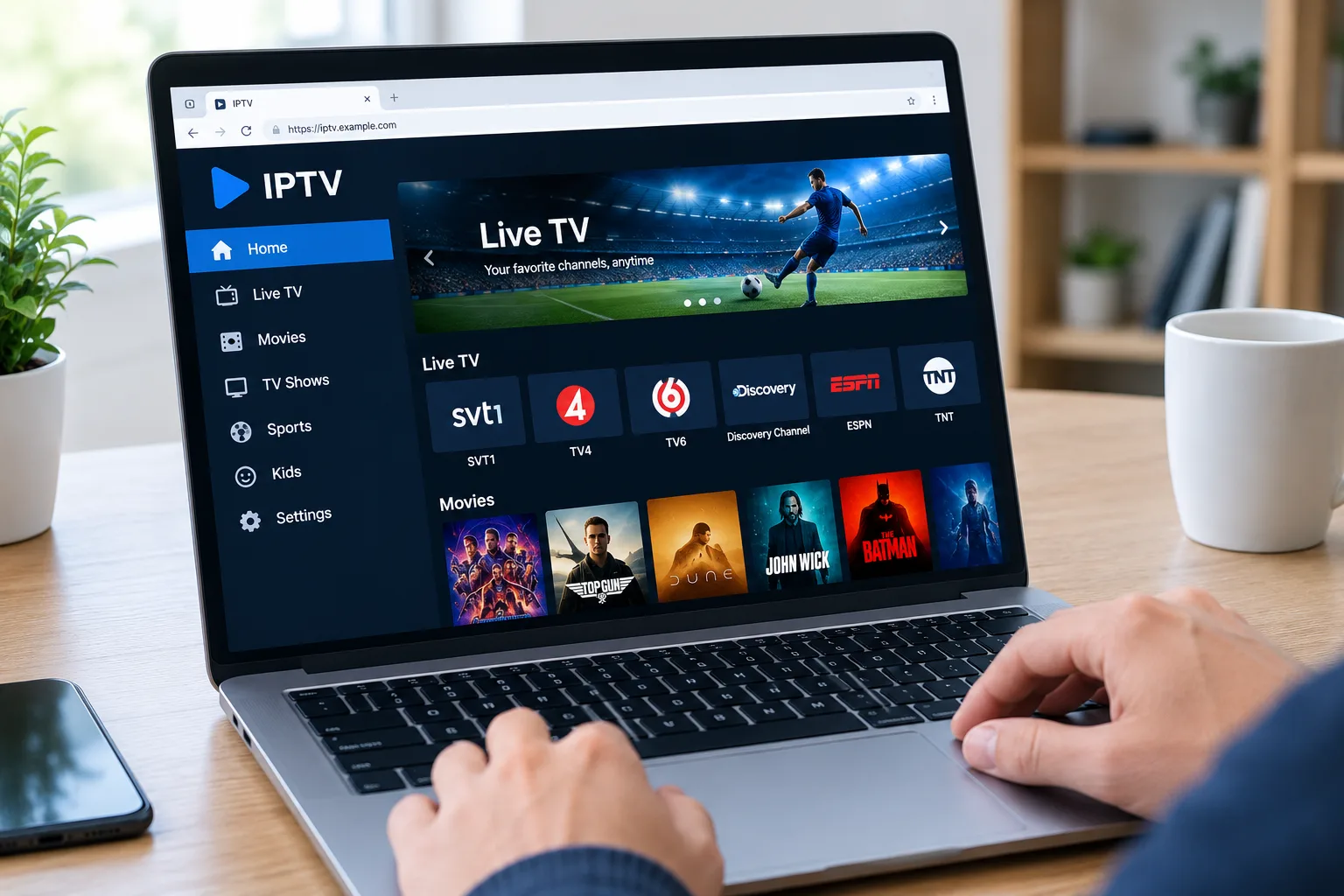
A free iptv player can be a smart way to watch live TV, sports, movies and series without paying for the app itself. But there is one important detail many beginners miss: a player is not the same thing as an IPTV service. The app plays your playlist. It does not normally include channels, movies, sports packages or TV subscriptions.
That means the best free IPTV player is the one that works well with your own M3U link, M3U8 playlist, Xtream Codes login or EPG source. For Swedish users, the right choice depends on your device. VLC and Kodi are strong for desktop and home media setups. Televizo and TiviMate are popular on Android TV. IPTV Smart Player is common on iPhone and iPad. Open-source options like Fred TV are also gaining attention.
Quick Answer: What Is The Best Free IPTV Player In 2026?
For most users, VLC is the best truly free IPTV player for Windows, Mac, and Linux because it is open source, has no ads and supports streaming protocols. Kodi with IPTV Simple Client is best if you want a free TV-style media center with M3U and EPG. Televizo is a good free-to-install Android option. IPTV Smart Player is a simple iPhone and iPad choice, but it includes ads and in-app purchases.
The honest answer is that no single player is best for every device. A Smart TV user, an Android TV user, an iPhone user and a Windows user all need different things.
What Competitors Cover
The Reddit competitor is a discussion thread from r/IPTV_Help_Desk where users recommend free IPTV players. The original post mentions the free version of iMPlayer, OwnTV and Televizo, while comments also discuss FredTV or Open TV as open-source options. The thread is useful because it shows real user preferences, but it is scattered, opinion-based, and includes questions about APK codes, missing EPG and whether certain apps are truly free.
The App Store competitor is IPTV Smart Player for iPhone and iPad. It is free to download, has in-app purchases, shows a 4.6 rating from about 26,000 ratings, and states that it only displays content added by the user. It also says the app does not provide content or playlists and is meant for user-created playlists with legal content.
What both competitors miss is a full decision guide. Reddit gives names but little structure. App Store gives product details but no comparison. This guide adds device-based recommendations, setup advice, safety checks, EPG guidance and practical troubleshooting.
Free IPTV Player Vs Free IPTV Service
A free IPTV player is an app. A free IPTV service is a content source. These are not the same.
A player can be legal, safe and useful even if it contains no content at all. VLC, Kodi, Televizo, TiviMate and IPTV Smart Player all work as media players in different ways. You add your own playlist or log in.
A free IPTV service is different because it claims to provide channels or streams. That is where you need to be careful. PRV explains that illegal streaming services make film, TV or music available without permission from rights holders, and often ask users to create accounts or provide data that may be misused.
Best Free IPTV Player For Windows, Mac And Linux: VLC
VLC is the safest starting point for desktop users. VideoLAN describes VLC as a free and open source media player that plays most multimedia files, DVDs, Audio CDs, VCDs and streaming protocols. It also says VLC has no spyware, no ads and no user tracking.
VLC is best when you want to quickly test an M3U link on a computer. Open VLC, choose network stream, paste the link and start playback. It is fast, clean and reliable for checking whether a playlist works.
The downside is that VLC is not the best long term TV interface. It does not feel like a full IPTV app with rich EPG, favorites, live TV categories and VOD browsing. Use VLC for testing, desktop viewing and simple streams, not as your main living room app.
Best Free Home Theater Option: Kodi With IPTV Simple Client
Kodi is ideal if you want a free IPTV player that feels more like a media center. The official Kodi add on page says IPTV Simple Client supports M3U playlists, live TV streams, radio channels and EPG. Kodi itself is also built for a TV style interface with remote controls.
Kodi works well on Windows, Mac, Linux, Android boxes and Raspberry Pi. It is best for users who like control and do not mind settings. You can add an M3U playlist, connect XMLTV EPG, organize channels and use Kodi as a central media hub.
The downside is setup time. Kodi is more powerful than a basic player, but it can feel technical. Large playlists can also become heavy if you load thousands of channels, VOD items and logos.
If you want help matching your device with the right setup method, use this IPTV installation guide before choosing between Kodi, VLC, Smart TV apps and mobile players.
Best Free Android TV Option: Televizo
Televizo is a strong free to install IPTV player for Android phone, tablet and TV. Google Play says it supports multiple playlists, EPG, catch up, Chromecast, sorting, search, parental control, favorites, video tracks, audio tracks and subtitles. It also states that Televizo is only a media player and does not provide content.
Televizo is good for users who want something easier than Kodi but more IPTV-focused than VLC. It works well for Android TV boxes, tablets and phones.
The limitation is that not every feature may be free forever. Google Play shows in app purchases, and user reviews mention premium use. So Televizo is best described as a free-to-install player with paid upgrades, not a guaranteed fully free solution for every feature.
Best Free To Install Android TV Player: TiviMate
TiviMate is one of the most respected Android TV IPTV players, but it is not fully free in the way VLC is. Google Play lists in app purchases and describes TiviMate as a player for M3U, Xtream Codes and Stalker Portal, with EPG, multiple playlists, favorites, catch up, recording, search, parental controls and multiview. It also states that TiviMate provides no content and that paid upgrades unlock app features only.
TiviMate is best for Android TV and Google TV users who mainly watch live TV. It has a proper TV guide feeling, strong remote control navigation and a layout that feels natural on a big screen.
Choose TiviMate if you are open to paying later for advanced features. Choose Televizo or Kodi if you want to stay closer to a free setup.
Best Free iPhone And iPad Option: IPTV Smart Player
IPTV Smart Player is one of the most visible iOS options. The App Store page says the app is free with in app purchases, supports iPhone and iPad, and can play many file extensions plus live stream IPTV. It also makes clear that the app only displays content added by the user.
It can be a good starter app if you want to test IPTV on iPhone or iPad. But read the App Store details carefully. The same page shows advertising, in app purchases and privacy information, including identifiers used for tracking.
For iPhone users, the best free app is the one that loads your playlist cleanly, handles EPG properly and does not push you into paid features before you understand what you need.
Best Open Source Option: Fred TV
Fred TV, formerly Open TV, is an interesting open source IPTV player. Its GitHub page describes it as a fast and powerful IPTV experience, and the maintainer states a commitment to keeping the project free and open source.
Reddit users also mention FredTV or Open TV as a strong free option, especially for people who want open source software rather than another paywalled IPTV app.
The caution is that open source projects can change quickly. Check the official repository, latest release, supported platforms and issue history before using it as your main player.
What Features Matter Most?
M3U And Xtream Codes
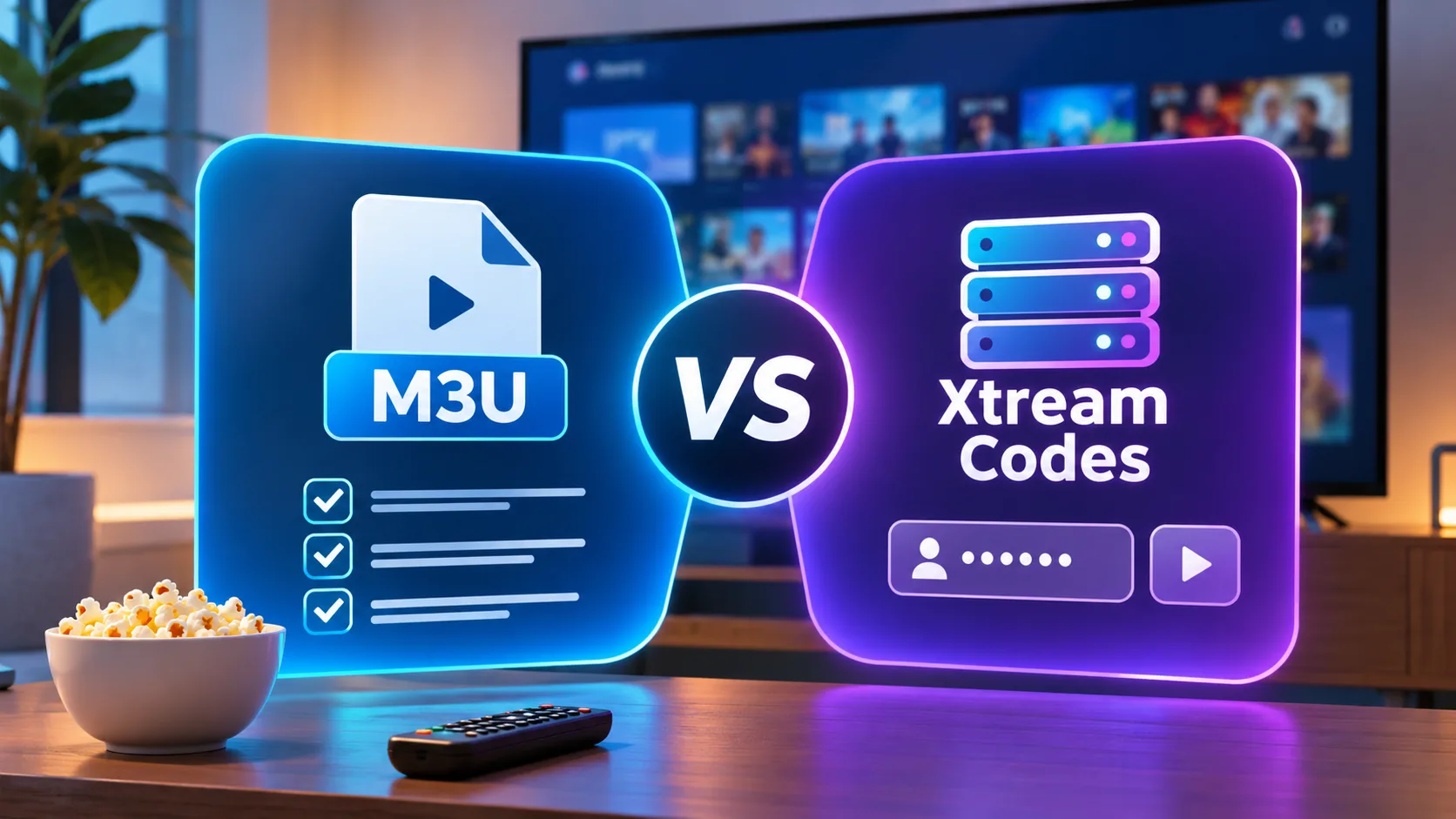
M3U is a playlist link. It works in many players but can be annoying to type on a TV remote. Xtream Codes is easier because you enter server, username and password in separate fields.
If your app supports both, test Xtream Codes first. It usually organizes live TV, movies, series and EPG more cleanly.
EPG
EPG is the program guide. It shows what is on now and what comes next. Without EPG, a large IPTV list becomes messy. Kodi IPTV Simple Client supports EPG, and Televizo, TiviMate and many iOS players also advertise guide support.
Favorites And Search
Favorites save time. Search helps when your playlist has hundreds or thousands of channels. For family use, favorites are more important than having every advanced setting.
Subtitles And Audio Tracks
If you watch international content, check subtitle and audio track support. Televizo lists support for video tracks, audio tracks and subtitles on Google Play.
How To Set Up A Free IPTV Player
Start with the device you actually use most. If you watch on a laptop, test with VLC. If you watch on a TV box, try Kodi, Televizo or TiviMate. If you watch on iPhone, try an iOS player that supports your playlist format.
Next, get your M3U link, M3U8 link or Xtream Codes from your provider. Open the app and choose add playlist, network stream, Xtream login or M3U URL depending on the player. Paste details carefully. One extra space can break the setup.
If you compare Viking IPTV with another service, use the same app, same device and same internet connection. That gives you a fair test instead of confusing app issues with provider issues.
Why Your Free Player May Buffer
Buffering is not always the app’s fault. It can come from weak WiFi, overloaded IPTV servers, old hardware, large playlists, incorrect decoding or a poor stream source.
Test the same playlist in two different players. If VLC plays smoothly but your TV app buffers, the TV app or device may be the issue. If every app buffers, the issue is more likely the provider or network.
Use Ethernet where possible. If you use WiFi, keep the router close to the TV device and avoid heavy downloads during live sports.
Safety Checklist Before Using Any Free IPTV Player
Use official app stores or official project pages when possible. Avoid random APK files from unknown chats. Do not share M3U links, Xtream Codes or portal details in public forums.
Check whether the player collects data, includes ads or locks basic features behind a paywall. App Store and Google Play pages usually show in app purchases and privacy practices, but details can vary by region and app version.
If you pay for any related streaming service, save receipts, order emails and support messages. Konsumentverket says Swedish consumers have the right to complain about faults in streaming services, and companies are responsible for faults during the purchased period.
Quick Recommendations By Device
Windows, Mac Or Linux
Use VLC for simple playback and testing. Use Kodi if you want a TV style guide and media center.
Android TV Or Google TV
Try Televizo for simple free use. Try TiviMate if you want the best live TV interface and are open to premium features later.
iPhone Or iPad
IPTV Smart Player can work as a simple starting point, but check ads, privacy and in app purchases before relying on it.
Advanced Users
Use Kodi or Fred TV if you like customization, open source software and more control over playlists.
FAQ
What Is The Best Free IPTV Player?
VLC is the best truly free desktop player. Kodi is best for a free media center. Televizo is strong for Android. IPTV Smart Player is a simple iOS option.
Do Free IPTV Players Include Channels?
No, most do not. A player only plays your own playlist or login. You still need a legal IPTV source.
Is VLC Good For IPTV?
Yes. VLC is excellent for testing M3U links and watching streams on desktop, but it is not the best full TV guide interface.
Is TiviMate Free?
TiviMate is free to install but has in-app purchases. Paid upgrades unlock app features, not channels.
Are Free IPTV Players Safe?
They can be safe if you use official stores or trusted open source pages. Be careful with unknown APKs, suspicious playlists and apps that collect too much data.
A free iptv player is a great way to test your playlist, compare devices, and improve your setup, but the player is only one part of the streaming experience. For a Sweden-focused IPTV service with live TV, sports, movies, series, HD, FHD, 4K and clear installation support, visit Sverige IPTV and choose a package that fits your device and viewing habits.