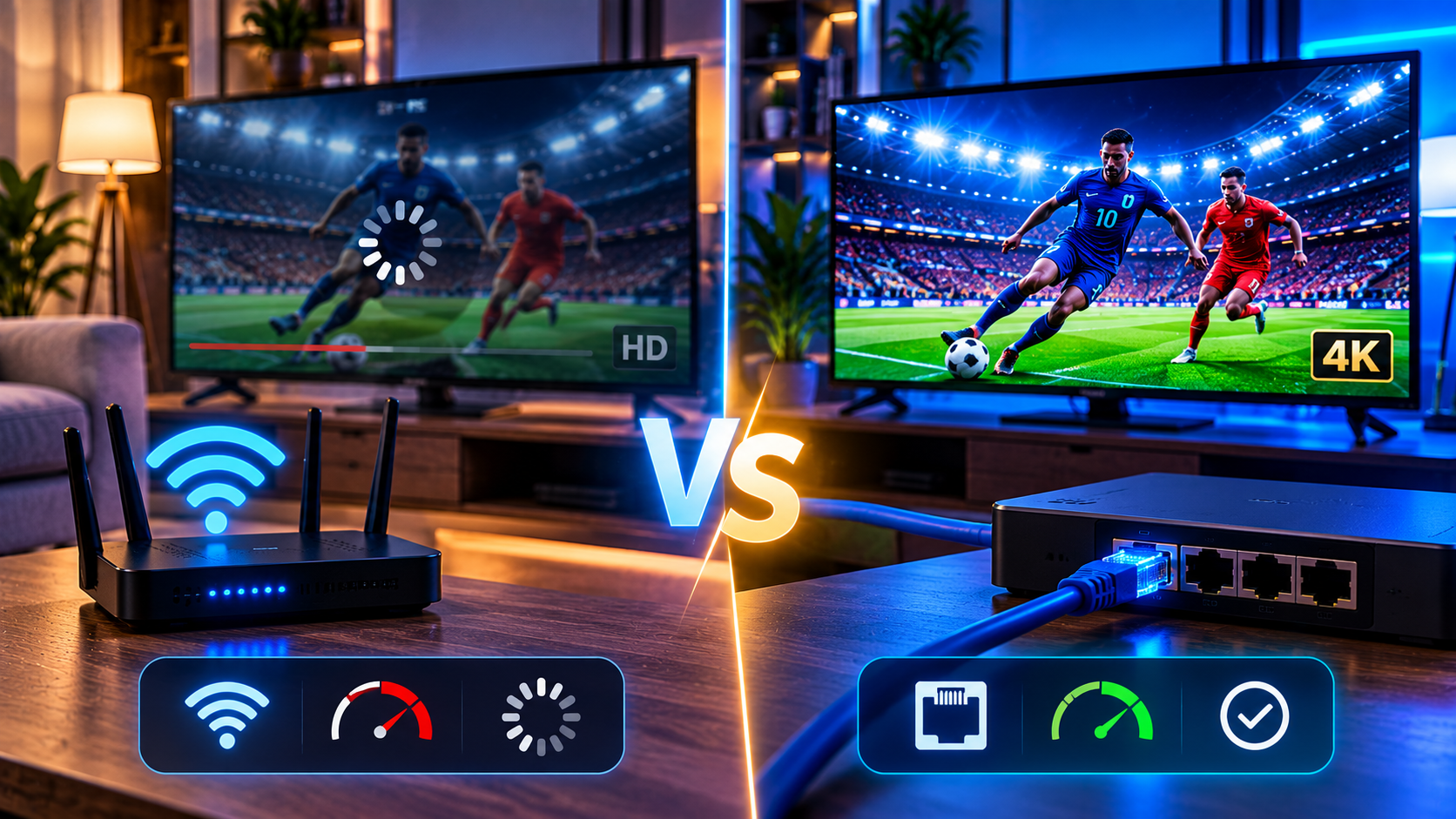
An IPTV Wi-Fi vs Ethernet package does not automatically guarantee smooth IPTV streaming. You can have hundreds of megabits available from your internet provider and still experience freezing, pixelation, or buffering if the connection between your router and streaming device is unstable.
That is why the IPTV Wi-Fi vs Ethernet question matters.
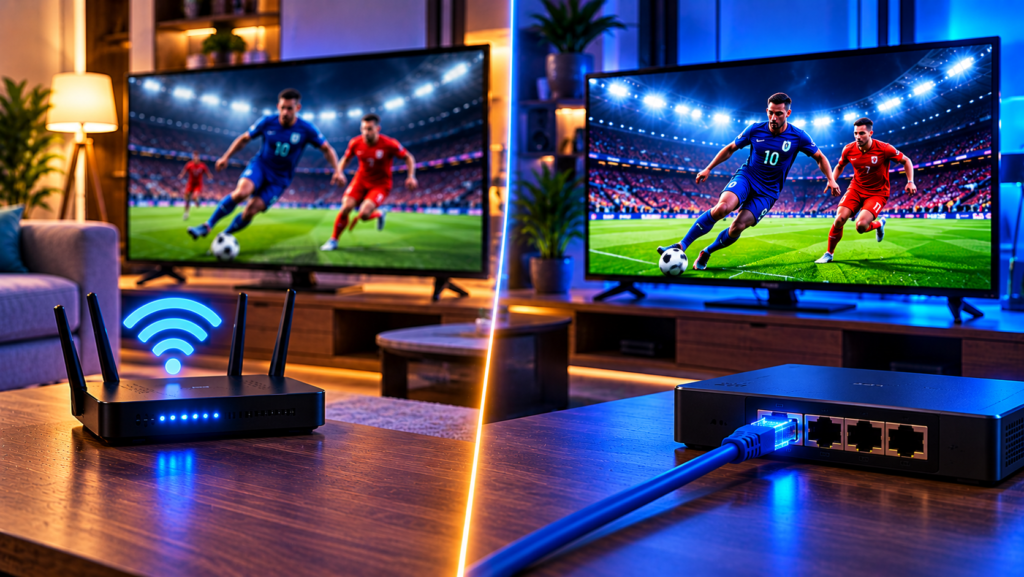
Ethernet generally provides the most consistent connection because data travels through a physical cable. Wi-Fi offers greater convenience but can be affected by distance, walls, interference, network congestion, and the wireless hardware inside your TV or streaming device.
For many households, both methods can work well. The better option depends on where your router is located, what quality you stream, how many devices share the network, and whether stability or flexibility matters more.
IPTV Wi-Fi vs Ethernet: Quick Comparison
| Factor | Ethernet | Wi-Fi |
|---|---|---|
| Stability | Very consistent | Depends on signal conditions |
| Latency | Usually lower | Can fluctuate |
| Interference | Very low | Can be affected by other wireless signals |
| Setup | Requires a cable | Quick and cable-free |
| Mobility | Limited | Excellent |
| HD Streaming | Excellent | Usually excellent |
| 4K Streaming | Excellent | Good with a strong connection |
| Multiple Streams | Very reliable | Depends on router and congestion |
| Best Use | Main TVs, sports, 4K | Mobile devices and convenient setups |
For a television that remains in one location, Ethernet is usually worth considering. Wi-Fi becomes particularly useful where running a network cable is difficult or where devices frequently move around the home.
Why Connection Stability Matters for IPTV
IPTV delivers video continuously over your internet connection. The stream needs enough bandwidth, but bandwidth alone does not determine quality.
Three other factors matter significantly.
Latency
Latency measures how long data takes to travel between points on the network.
A small increase in latency normally does not ruin video streaming, but frequent changes can contribute to an unstable experience, particularly with live television and sports.
Jitter
Jitter means variation in packet delivery time.
Imagine data packets arriving at perfectly regular intervals and then suddenly arriving irregularly. Even when your average internet speed looks excellent, high jitter can create playback interruptions.
Ethernet typically produces more predictable network performance because it does not depend on changing wireless conditions.
Packet Loss
Streaming data is divided into packets. If some packets fail to reach your device, video can freeze, become pixelated, or require additional buffering.
Wi-Fi is more vulnerable to packet loss when signals are weak or heavily interfered with.
This explains why a 100 Mbps Wi-Fi connection can sometimes perform worse for IPTV than a slower but stable wired connection.
Why Ethernet Is Often Better for IPTV
Ethernet connects your streaming device directly to your router using a network cable.
The major advantage is consistency.
Walls, neighboring wireless networks, Bluetooth devices, and distance have very little influence on a wired connection once everything is properly installed.
Ethernet can be especially useful for:
- Live sports
- Full HD and 4K streaming
- Long viewing sessions
- Busy home networks
- Multiple simultaneous IPTV streams
- TVs located far from the router
- Homes with thick walls or several floors
If your television or IPTV box has an Ethernet port, setup is normally straightforward. Connect the cable between the router and device, select the wired connection if required, and test playback.
Users who are still configuring their devices can also follow the IPTV installation instructions for guidance on getting a compatible setup ready.
Is Faster Ethernet Always Necessary?
Not necessarily.
IPTV streams generally need only a fraction of the bandwidth that modern Ethernet connections can provide.
The benefit of Ethernet is therefore not simply maximum speed. Its biggest advantage is maintaining stable throughput with low interference.
For example, a wired device receiving a consistent 50 Mbps can provide a better streaming experience than a Wi-Fi device fluctuating between 150 Mbps and 10 Mbps.
For IPTV, consistency often matters more than impressive speed-test numbers.
When Wi-Fi Works Well for IPTV
Wi-Fi is not automatically a poor choice.
A modern wireless network can handle HD and 4K streaming effectively when the streaming device has a strong signal and the network is properly configured.
Wi-Fi is often sufficient when:
- The router is close to the television.
- There are few walls between the router and device.
- You use a modern router.
- The household network is not overloaded.
- Your streaming device has a good Wi-Fi adapter.
- Signal strength remains consistent.
Providers such as JA IPTV can be accessed across different compatible devices, making the quality of the user’s local network an important part of the overall streaming setup.
2.4 GHz vs 5 GHz Wi-Fi for IPTV
If you use Wi-Fi, choosing the right frequency band can make a noticeable difference.
2.4 GHz Wi-Fi
The 2.4 GHz band generally offers longer range and better penetration through walls.
However, it is commonly more congested because many routers, smart-home devices, Bluetooth-related equipment, and other electronics operate in or near this frequency range.
It can be useful when your IPTV device is farther away from the router.
5 GHz Wi-Fi
The 5 GHz band usually provides higher speeds and experiences less congestion.
The disadvantage is shorter range and weaker performance through thick walls.
For an IPTV device located relatively close to the router, 5 GHz is generally the better wireless option.
What About Wi-Fi 6?
Modern Wi-Fi standards such as Wi-Fi 6 are designed to manage multiple connected devices more efficiently.
They can be especially helpful in homes where phones, laptops, smart TVs, gaming consoles, cameras, and other connected equipment are all competing for network capacity.
However, both the router and receiving device must support the newer Wi-Fi standard to gain its full advantages.
Does Ethernet Stop IPTV Buffering?
Ethernet can solve buffering caused by an unstable wireless connection, but it cannot fix every IPTV problem.
Buffering can originate from several places:
- Your home network
- Internet service congestion
- Insufficient bandwidth
- The IPTV application
- The streaming device
- Server-side problems
- Background downloads
- VPN performance
- Poor routing between networks
This is why switching temporarily from Wi-Fi to Ethernet is an excellent diagnostic test.
If buffering disappears when you connect the same device directly to the router, your Wi-Fi setup is probably contributing to the issue.
If the problem remains exactly the same, you should investigate other possible causes.
How to Test Your IPTV Connection Properly
Do not rely only on a speed test from your phone.
Your phone may have a much stronger Wi-Fi antenna than your Smart TV or streaming stick. It may also be located closer to the router.
Instead, test the actual device being used for IPTV whenever possible.
Check:
Download Speed
Make sure there is enough bandwidth for your stream and other household activity.
Connection Consistency
Run several tests rather than relying on one result. Large fluctuations may indicate wireless instability.
Wi-Fi Signal Strength
A weak signal can cause problems even when your internet package is fast.
Different Times of Day
If IPTV works well during the morning but struggles every evening, congestion may be contributing to the problem.
Ethernet Comparison
Connect temporarily by Ethernet. If performance improves immediately, you have isolated the wireless network as a likely bottleneck.
How to Improve Wi-Fi for IPTV
If Ethernet is not practical, you can still improve wireless performance considerably.
Move the Router
Position the router centrally and away from enclosed cabinets, metal objects, thick barriers, and other electronics.
Use 5 GHz When Close Enough
A strong 5 GHz connection is generally preferable for high-quality IPTV because it provides greater capacity.
Reduce Network Congestion
Large game downloads, cloud backups, file transfers, and several simultaneous streams can consume bandwidth.
Pause unnecessary activity during important live events if your connection is limited.
Consider Mesh Wi-Fi
Mesh systems use multiple access points around the home to improve wireless coverage.
They can be particularly useful for larger houses where one router cannot provide a strong signal everywhere.
Avoid Weak Wi-Fi Extenders
A poorly positioned repeater can create another weak link rather than solving the problem. Mesh systems with good backhaul connections are generally more effective for demanding streaming.
What If You Cannot Run an Ethernet Cable?
There are several alternatives.
Powerline Adapters
Powerline networking sends network data through your home’s electrical wiring.
Performance depends heavily on the electrical system, but it can sometimes provide a more consistent connection than weak Wi-Fi.
MoCA
Homes with existing coaxial cabling may be able to use MoCA adapters to create a wired network without installing new Ethernet runs.
Ethernet Adapter for Streaming Devices
Some streaming sticks do not include an Ethernet socket but support compatible USB Ethernet adapters.
This provides a useful way to convert a wireless-only setup into a wired connection.
Mesh With Wired Backhaul
If possible, connecting mesh nodes to each other using Ethernet provides stronger performance than relying entirely on wireless communication between nodes.
Wi-Fi or Ethernet for 4K IPTV?
4K streams require more consistent bandwidth than lower-resolution channels because more video data must be delivered continuously.
A strong modern Wi-Fi connection can handle 4K successfully, particularly when the device is close to the router.
However, Ethernet removes several variables.
If your main TV regularly streams 4K content or live sports, a wired connection provides a simpler way to maximize network consistency.
For secondary televisions, tablets, phones, and devices located near a modern router, Wi-Fi may be perfectly adequate.
Wi-Fi or Ethernet for Multiple IPTV Devices?
Multiple simultaneous streams increase the load on your network.
With Ethernet, each wired device has a predictable physical connection to the router or network switch.
With Wi-Fi, all connected wireless devices share radio airtime.
That does not mean Wi-Fi cannot support multiple IPTV devices. Modern routers are specifically designed to handle many connections. However, performance depends on the router, device capabilities, signal strength, interference, and total network traffic.
A practical setup might use Ethernet for the main living-room television while leaving smartphones, tablets, and secondary TVs on Wi-Fi.
FAQ About IPTV Wi-Fi vs Ethernet
Is Ethernet Better Than Wi-Fi for IPTV?
Ethernet normally provides greater consistency because it avoids common wireless issues such as distance, interference, and changing signal strength. Modern Wi-Fi can still provide excellent IPTV performance under good conditions.
Does Ethernet Make IPTV Faster?
It may improve the effective speed reaching your device, but stability is usually the bigger benefit. If your Wi-Fi connection is already fast and stable, the visible difference may be small.
Is 5 GHz Wi-Fi Good for IPTV?
Yes. A strong 5 GHz signal can be excellent for IPTV because it normally offers higher throughput and less congestion than 2.4 GHz. Its shorter range means router placement is important.
Can Wi-Fi Handle 4K IPTV?
Yes, provided your Wi-Fi connection delivers sufficient and consistent bandwidth. Ethernet remains preferable when maximum reliability is required.
Why Does IPTV Buffer When My Internet Is Fast?
Your internet plan’s advertised speed is only one factor. Weak Wi-Fi, interference, congestion, packet loss, unstable routing, device limitations, or problems outside your home network can still cause buffering.
Final Thoughts
In the IPTV Wi-Fi vs Ethernet comparison, Ethernet offers the most predictable connection for a fixed television, especially for live sports, 4K content, and busy household networks. Wi-Fi provides greater convenience and can perform extremely well when you have a modern router, good device hardware, and strong signal coverage. Instead of looking only at maximum internet speed, focus on stability, signal quality, congestion, and the connection reaching the actual streaming device. For live TV, sports, movies, series, and flexible viewing across compatible devices, explore Sverige IPTV and choose a setup that matches your home network and streaming needs.